
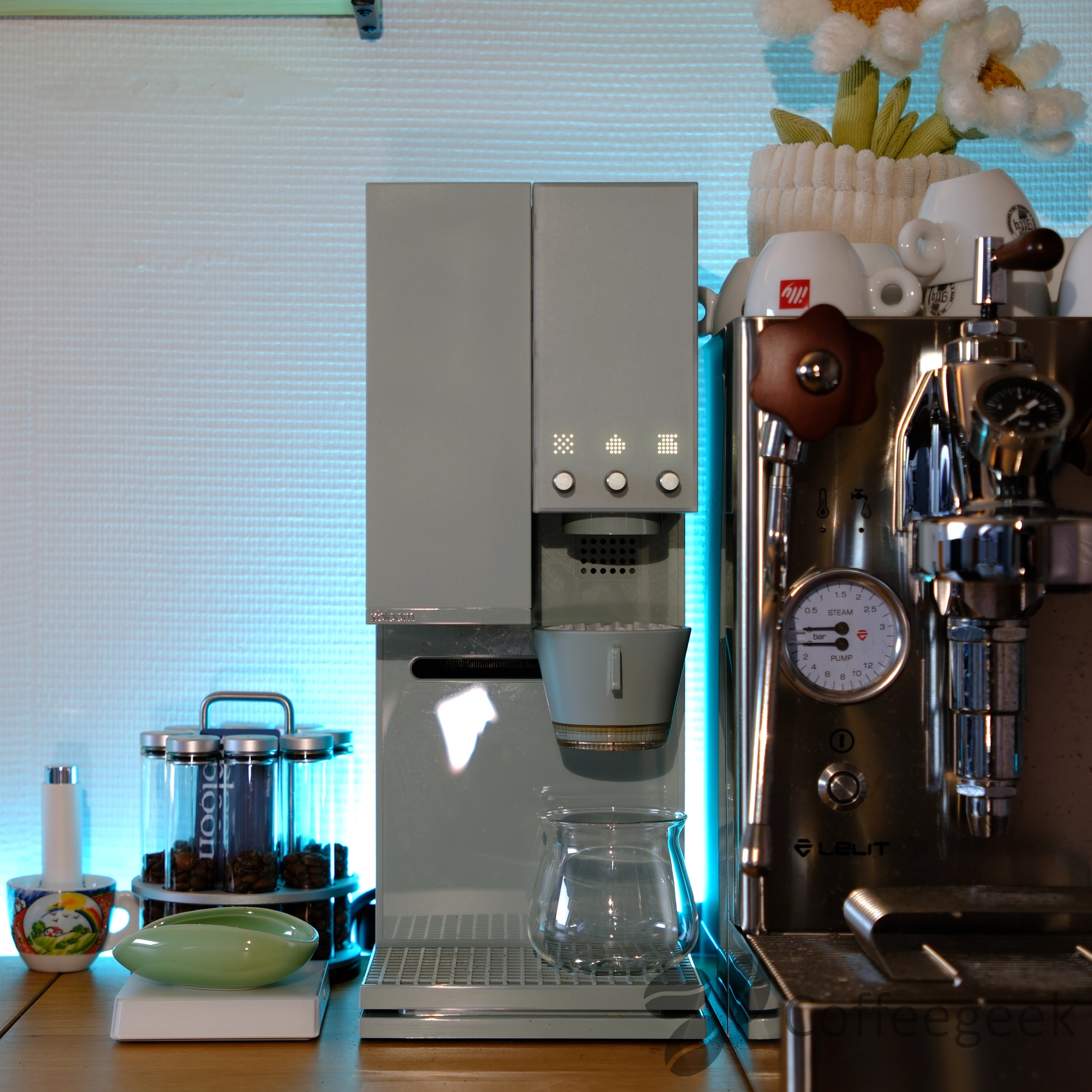
The xBloom Studio joined my coffee corner a few weeks ago, and I must admit it has completely transformed my coffee routine. After years of using manual methods and espresso machines, this all-in-one machine won me over with its ease of use and the exceptional quality of the coffee it produces.
This machine was sent to me by xBloom. However, my opinion remains completely independent: I say what I think, without compromise.
What is the xBloom Studio?
The xBloom Studio is an all-in-one automatic coffee machine that integrates in a single device:
- A 48mm conical burr grinder with 80 grind settings and adjustable speed - equivalent to an electric grinder worth €350-400
- A high-precision scale (0.1g) - equivalent to €50-150
- A cinematic brewer with three different pour patterns and adjustable water flow rate - no more need for a gooseneck kettle at ~€150
- Bluetooth 5.0 connectivity for app control available on iOS and Android.
- An integrated dripper - about ~€50 less in accessories
At first glance, the price of the xBloom Studio ($599) may seem high. But when you add up the cost of the equipment it replaces (listed above), you reach $900 to $1,250 for an equivalent setup - not to mention the clutter and complexity of use. The xBloom Studio combines all of this into a single compact and automated device.
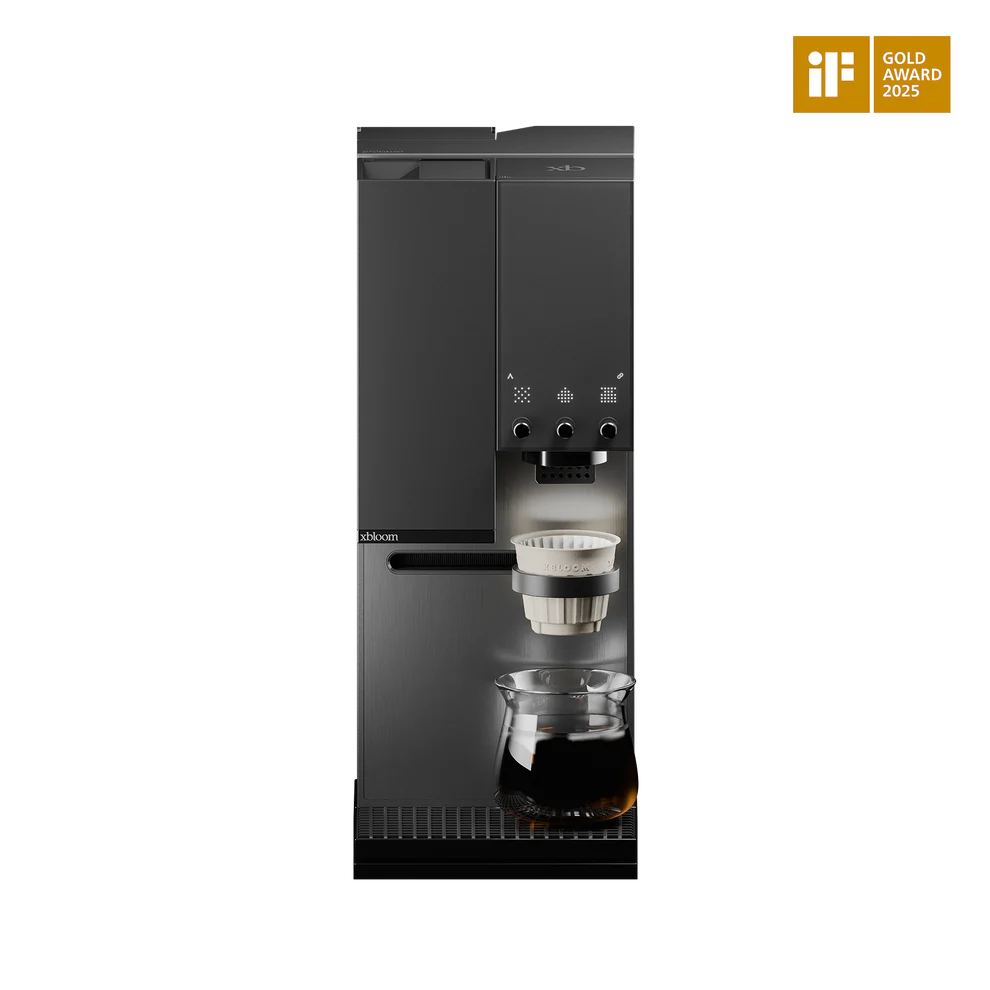
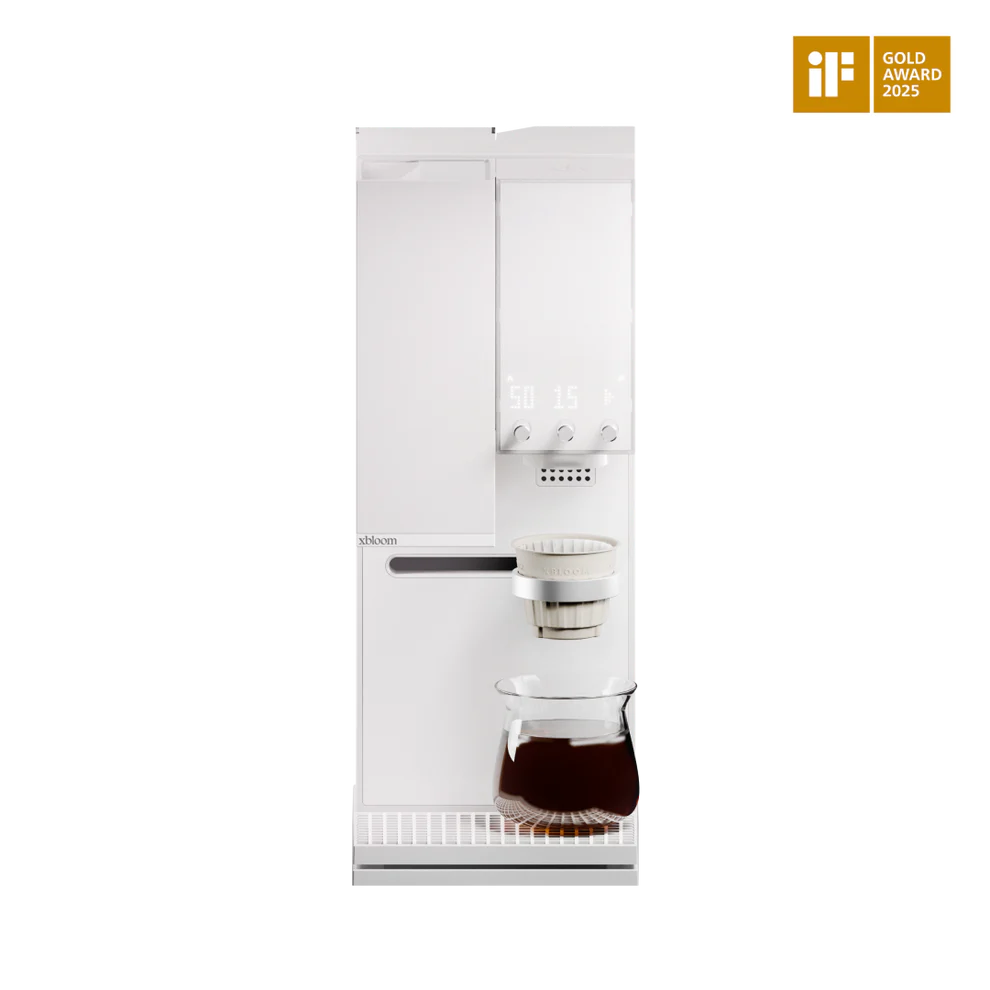
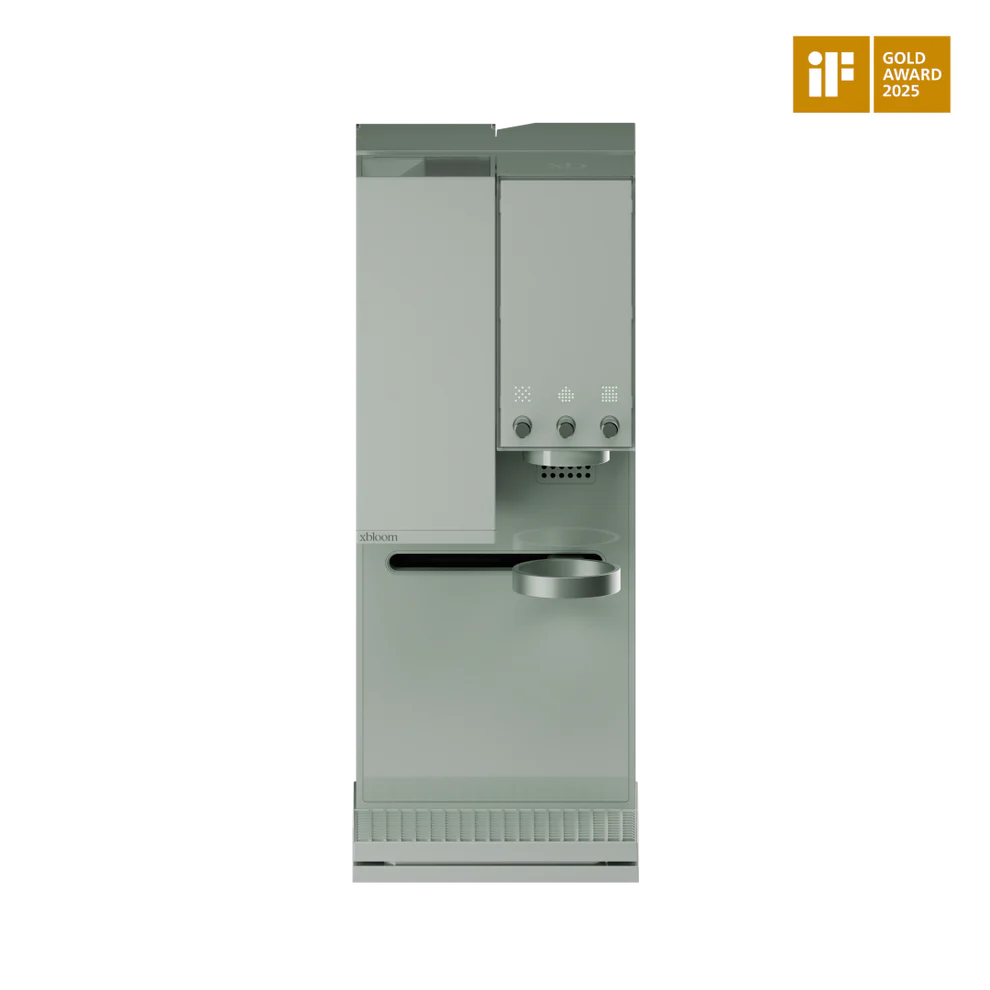
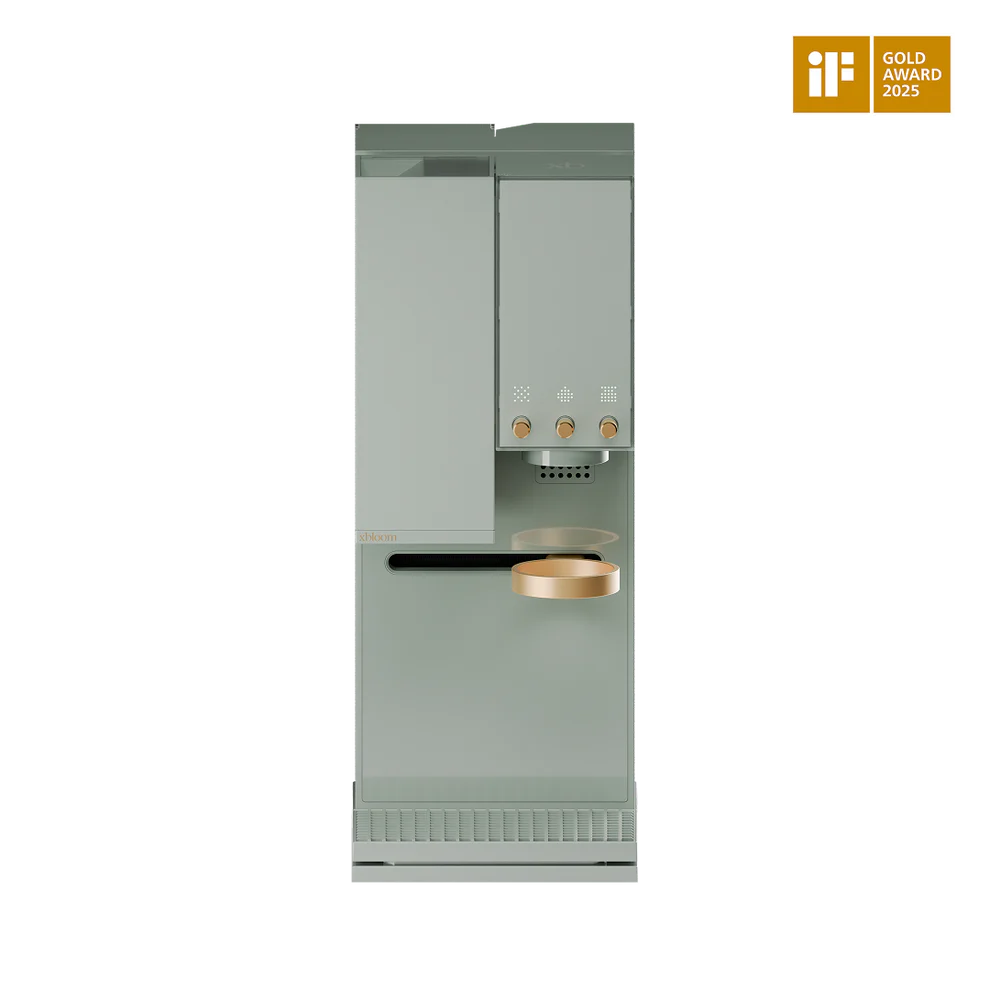
The Three Brewing Modes
What sets the xBloom Studio apart is its versatility through its three operating modes.
Regardless of the mode chosen, the three dials on the machine allow you to maintain control:
- Left dial: grinder control (grind fineness, grinder speed)
- Center dial: water control (pour pattern, temperature, flow rate)
- Right dial: scale control (weighing, tare, unit)
This ergonomic design allows you to adjust the parameters of any recipe just before starting the extraction - even in Autopilot mode or with an xPod. You are never locked into preset settings.
1. Autopilot Mode: absolute simplicity
In Autopilot mode, you have a choice between three recipes, each assigned to one of the machine's three buttons. Simply press the corresponding button to start the extraction - the machine automatically adjusts all parameters: grind, dose, temperature, flow rate, and pour pattern. These recipes are configured via the mobile app.
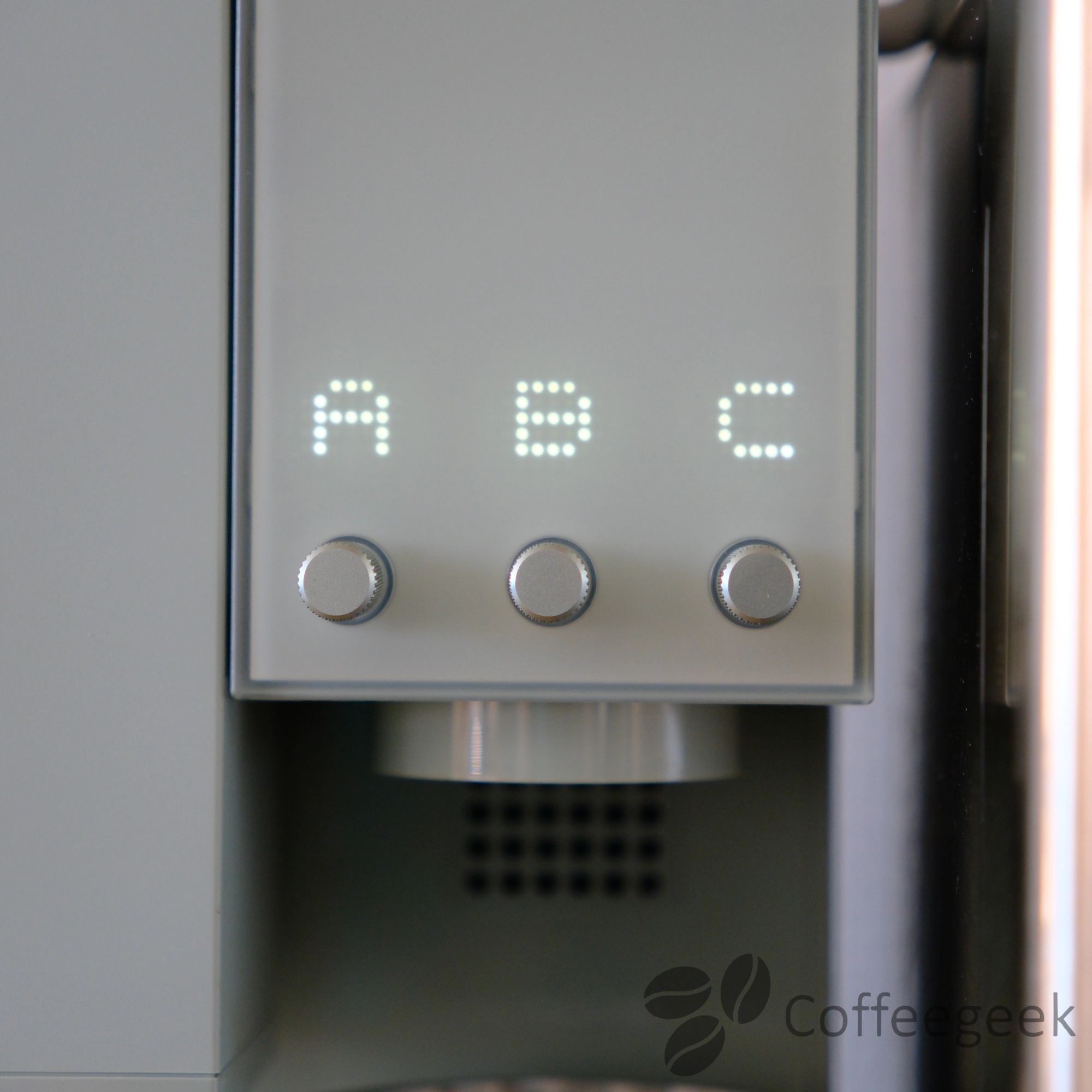
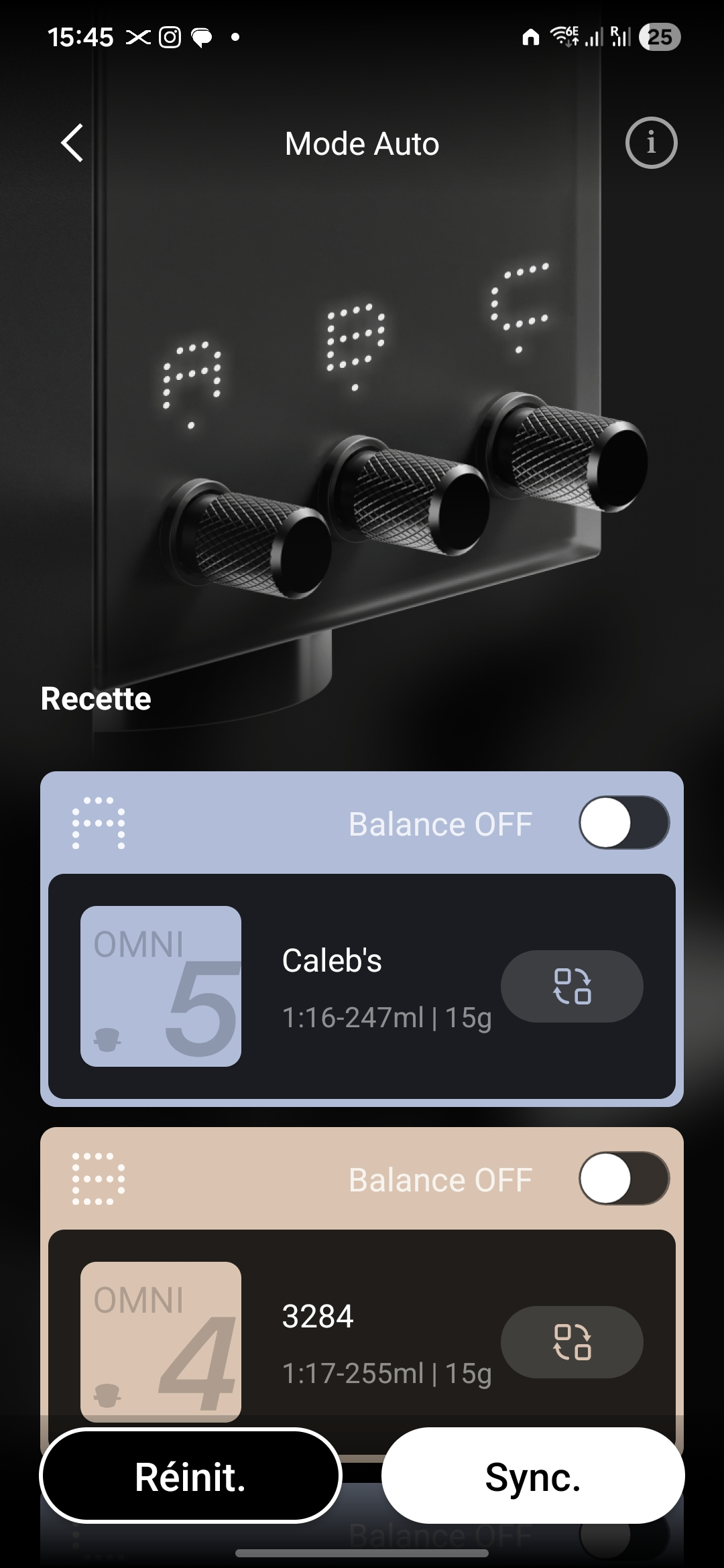
And as mentioned above, the dials allow you to adjust parameters before launching if needed.
2. Copilot Mode: guided customization
Copilot mode allows you to customize parameters via the mobile app while letting the machine execute the protocol. It's ideal for experimenting with different coffees and finding the optimal extraction profile and saving it.
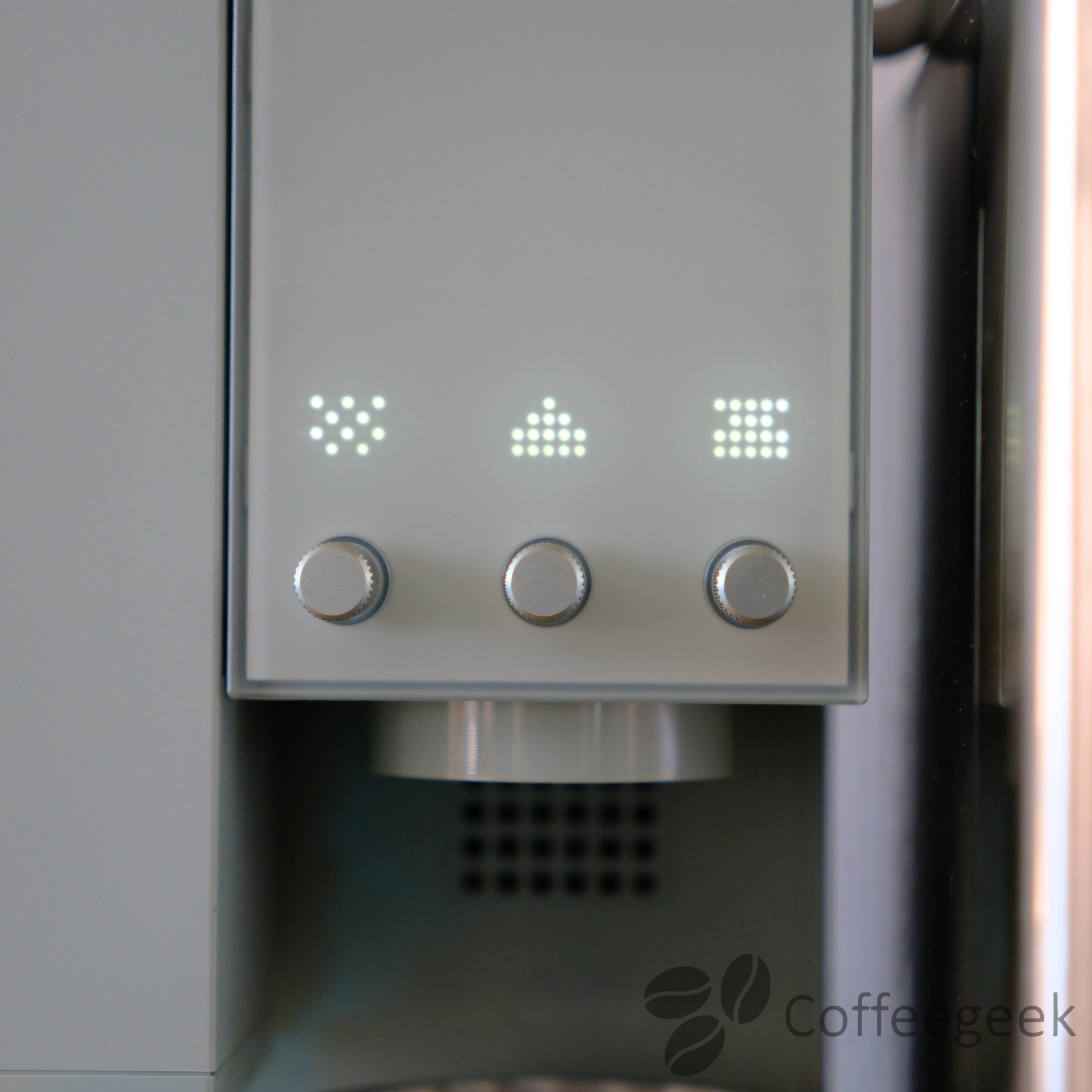
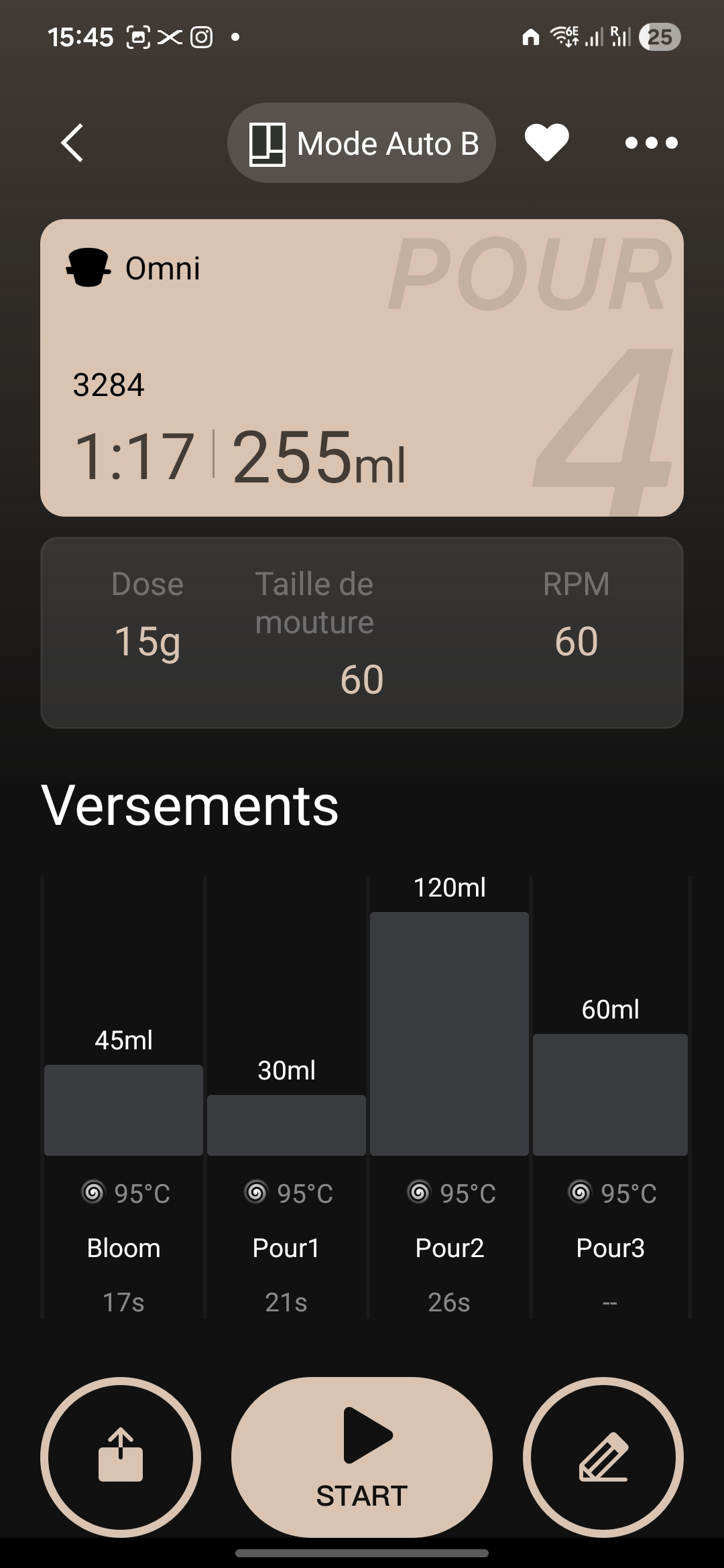
Again, the machine's dials offer quick parameter adjustment (ratio, grind, etc.) just before launching the extraction, without having to modify the recipe in the app.
The machine comes with an RFID card containing a default recipe. It allows you to quickly start an extraction without going through the app - it's the same system used by xPods to transmit roasters' recipes. I regularly use this recipe, and it gives very good results.
3. Freesolo mode: total control
For purists, Freesolo mode offers complete manual control. You can use the grinder, brewer, and scale as independent modules, exactly as with traditional equipment.
The three dials on the machine each correspond to one module:
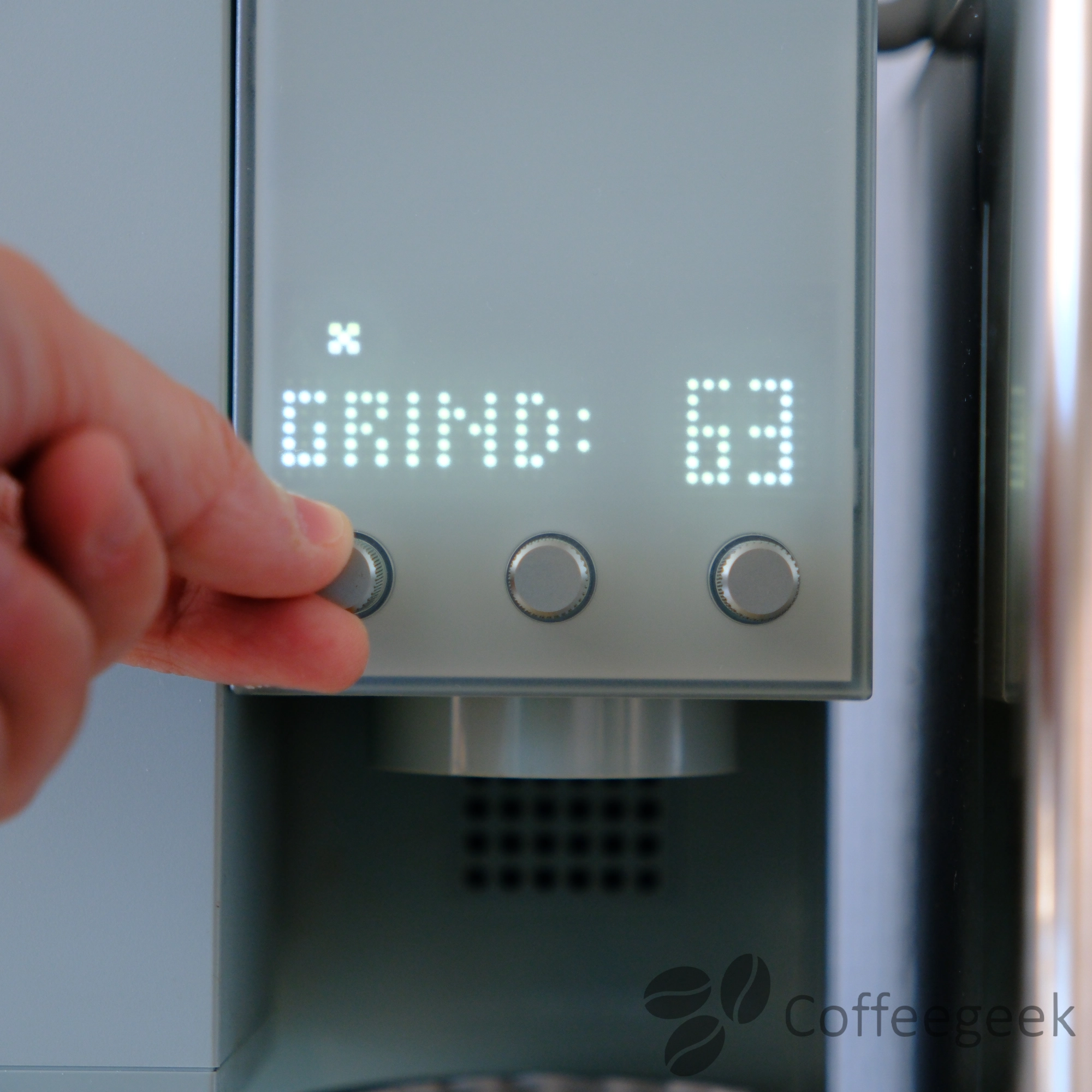
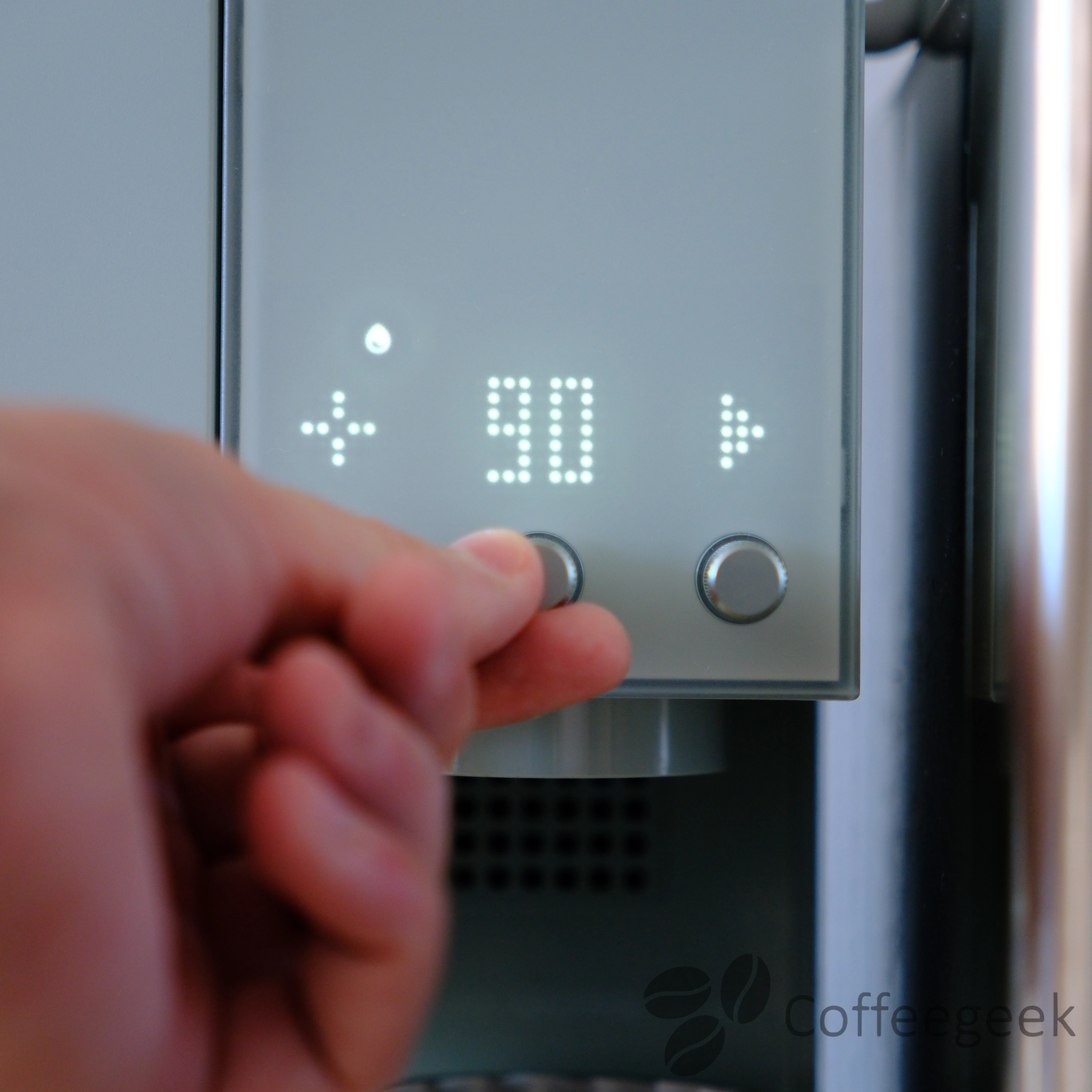
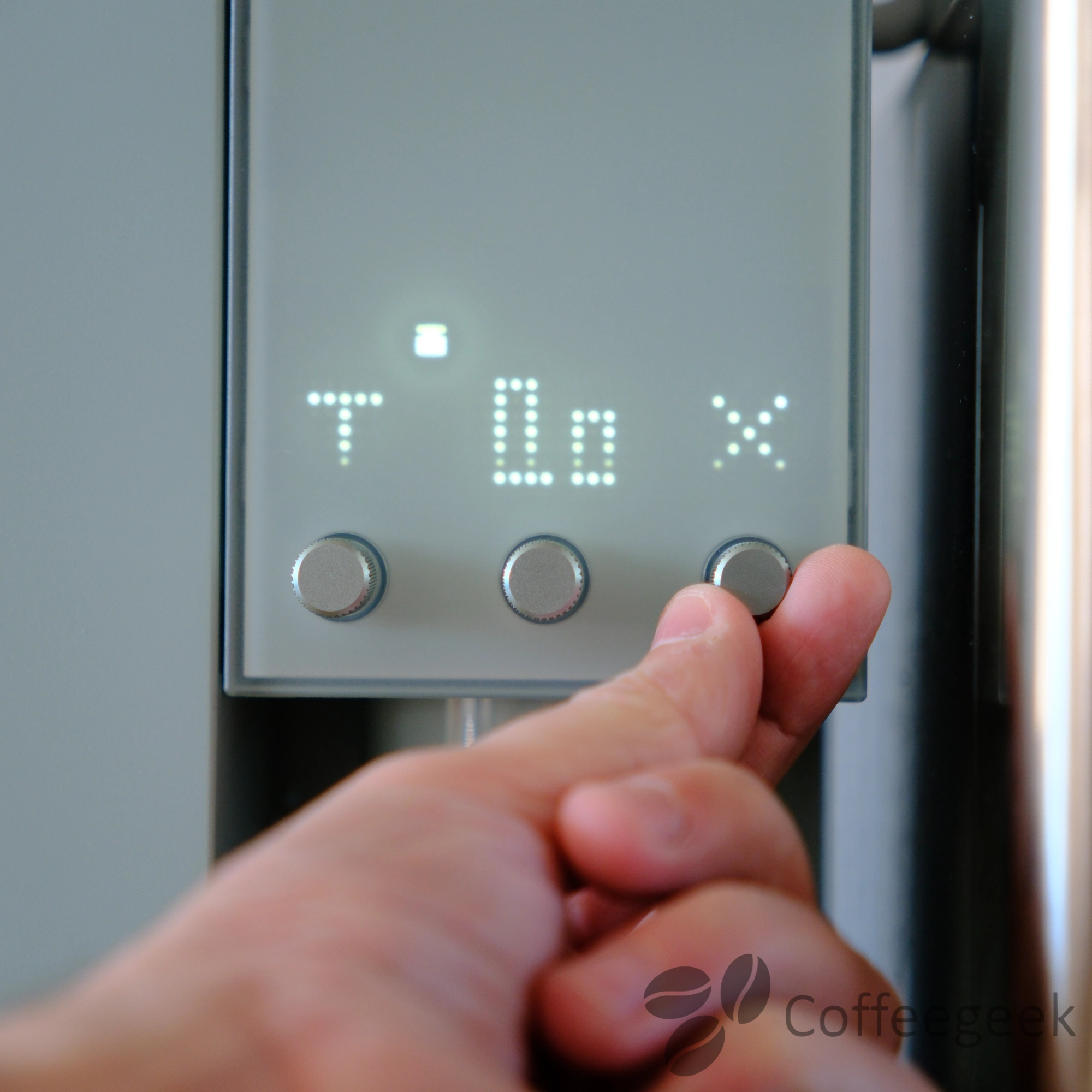
- Left dial (grinder): adjusts grind fineness and grinder speed
- Central dial (water): controls pour pattern (circular, centered, spiral) and temperature. During flow, a timer and the amount of water poured are displayed in real time
- Right dial (scale): activates the scale, allows taring and changing the unit of measurement
I use this mode mainly for preparing tea. Once the water temperature is set, I pour directly into the Omni Tea Brewer to let it steep. You get very good results - and the advantage is having water instantly at the right temperature, without having to watch over a kettle.
4. xPods: the xBloom capsule system
xBloom offers an xPods system: specialty coffee capsules containing pre-weighed coffee and equipped with an RFID chip. When you bring the xPod close to the machine, it automatically retrieves the recipe defined by the roaster (grind, temperature, flow rate, pouring pattern).
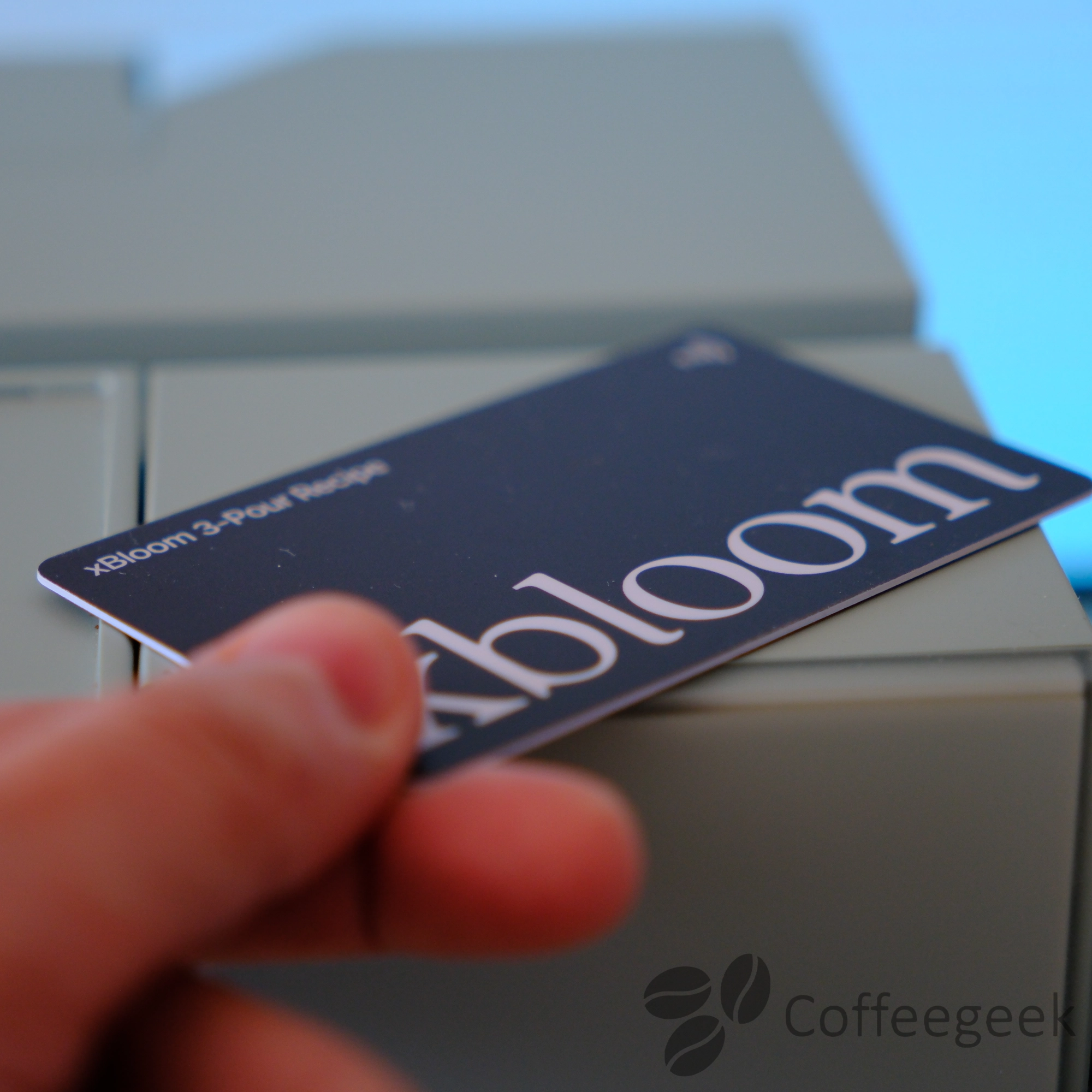
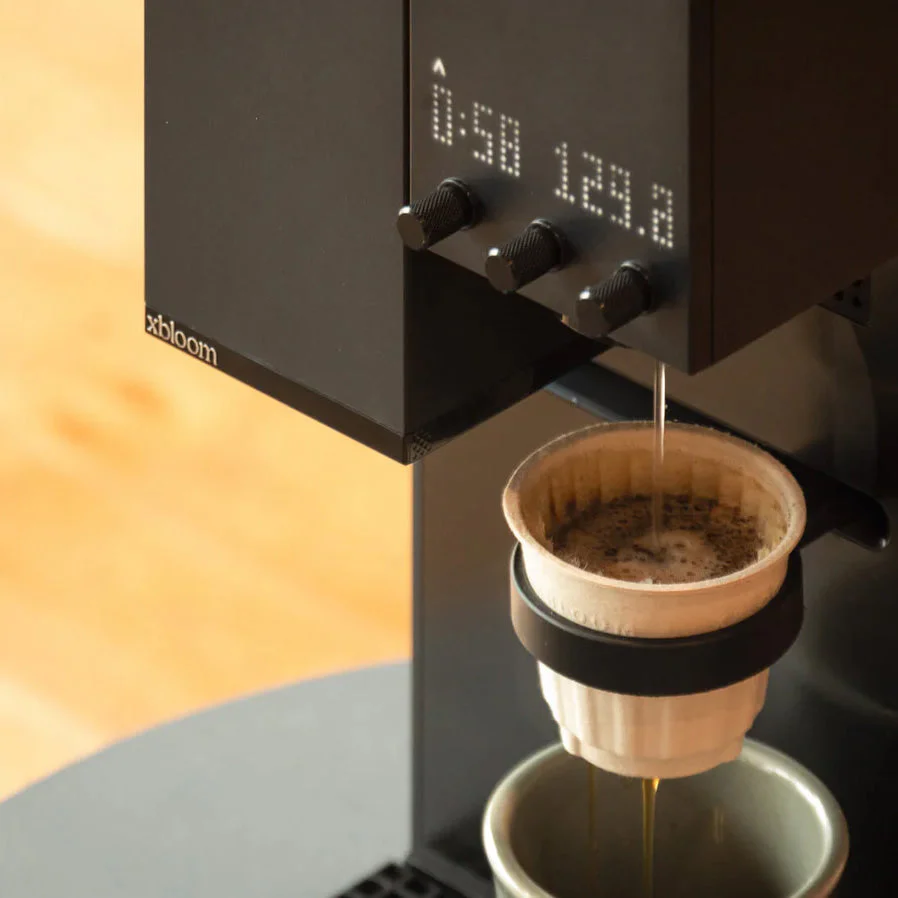
As with the other modes, the machine's dials allow you to modify the recipe parameters before starting (ratio, grind, etc.), even when an xPod recipe is loaded.
My take on xPods and RFID chips
I did not test the xPods as they are not yet available in Europe at the time of this review. Moreover, their price is relatively high compared to purchasing whole bean coffee.
This is not why I bought the xBloom Studio. I prefer to:
- Weigh my coffee myself
- Create my own custom recipes
- Use existing recipes shared by xBloom or the user community
The machine works perfectly without the xPods.
At the time of writing, xBloom does not allow you to program your own RFID chip to encode your own recipes. This is a shame, as these chips can be purchased in bulk for just a few euros online.
I would have liked, for example, to stick an RFID chip under one of my coffee pre-dosing tubes - I would simply have had to scan the tube before pouring the coffee into the machine to automatically load the associated recipe. Convenient, right?
I believe this limitation is deliberate on xBloom's part: by maintaining control over RFID readings, the manufacturer ensures that only official xPods (or capsules from partner roasters) can be used with this system. A way to preserve a closed ecosystem - and prevent competitors from offering their own compatible pods.
Bonus: using your own V60
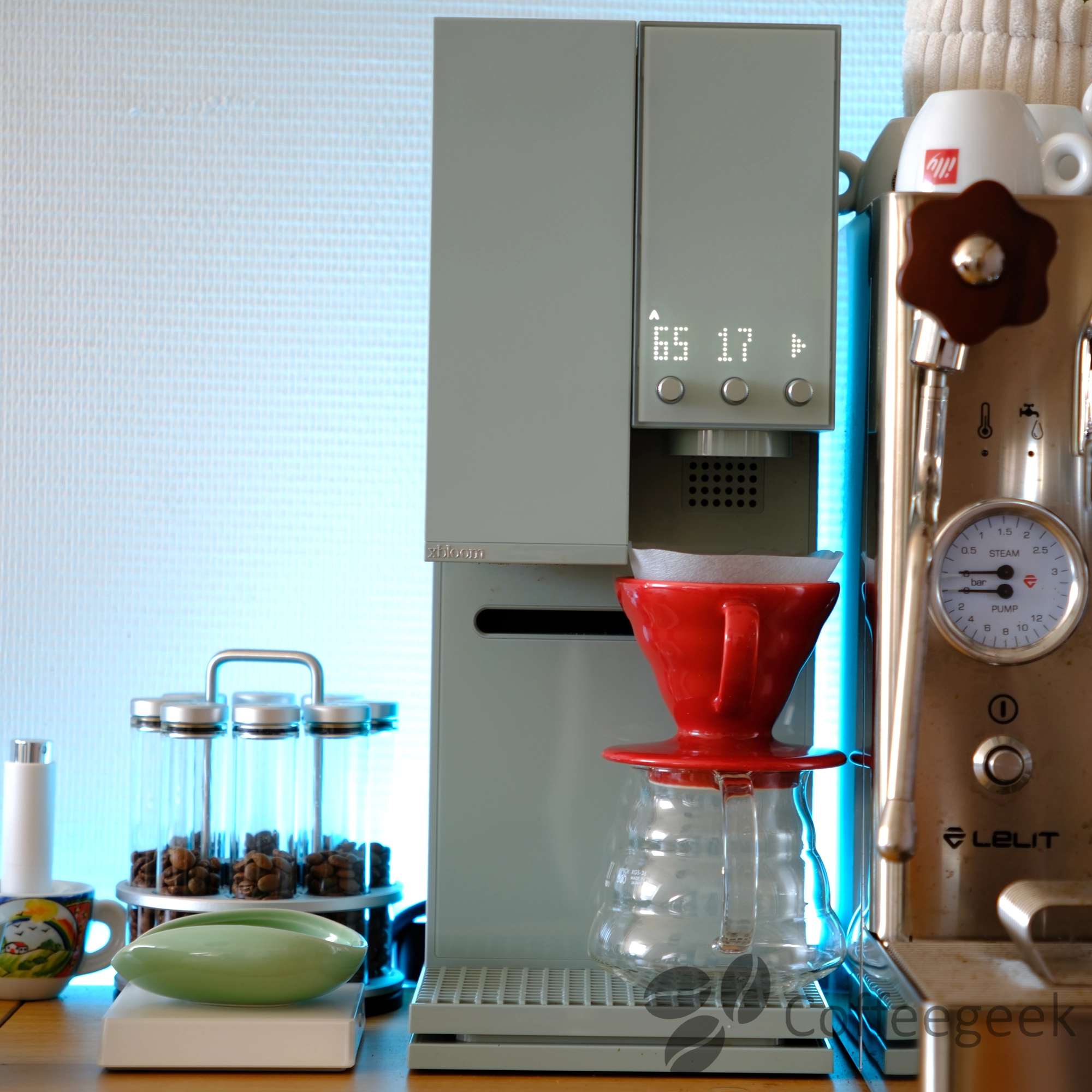
The xBloom Studio is not limited to its integrated dripper - it is entirely possible to place your regular V60 on it and let the machine pour water over it. This way, you benefit from the cinematic arm and precise temperature, with the dripper you already know.
The integrated grinder: 80 settings for maximum precision
The 48mm conical burr grinder is one of the highlights of the xBloom Studio. With its 80 grind settings and adjustable speed between 60 and 120 RPM, it offers very good precision to adjust particle size according to coffee type and desired extraction method.
Recommended settings:
- Espresso1 to 15 clicks
- Aeropress15 to 40 clicks
- Pour Over30 to 70 clicks
- French Press55 to 80 clicks
These settings are indicative and may vary depending on your coffee and preferences.
I measured less than 0.3g retention after grinding - an excellent result for an integrated grinder.
xBloom Studio Grinder Test: Pour-Over and Espresso
Complete test of the xBloom Studio integrated grinder. With its 48mm conical burrs, 80 settings and adjustable speed, can it compete with dedicated grinders for pour-over and espresso?
Read the article →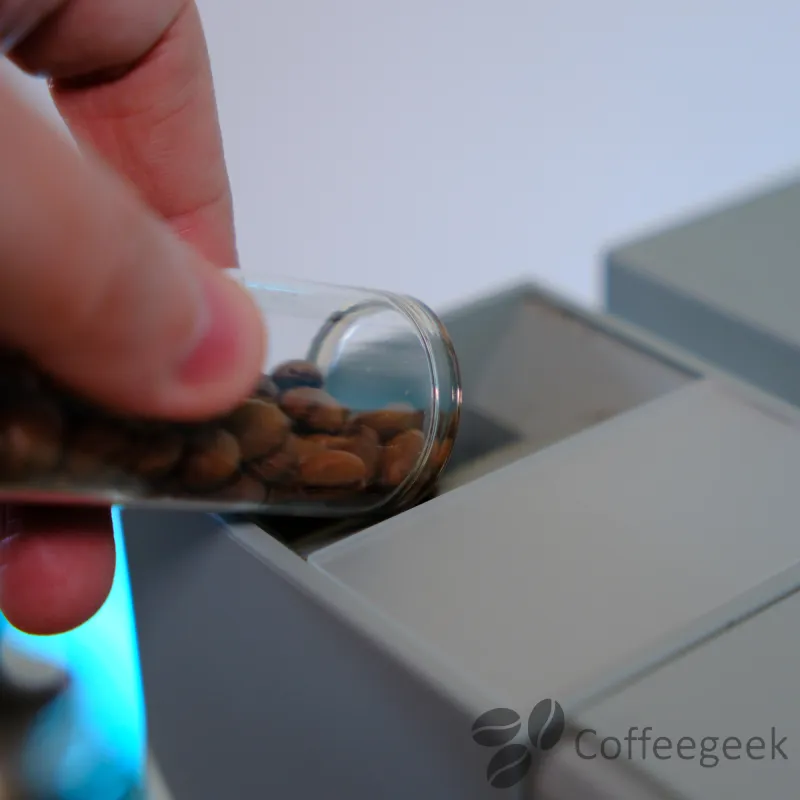
Can the xBloom grinder be used for espresso?
This is a question many people ask: can the xBloom Studio grinder grind fine enough for espresso? The answer is yes.
With its 80 settings and a gap of 18.75 microns between each click, the grinder goes fine enough to produce a grind suitable for espresso. I tested it personally with my espresso machine, and the results are convincing.
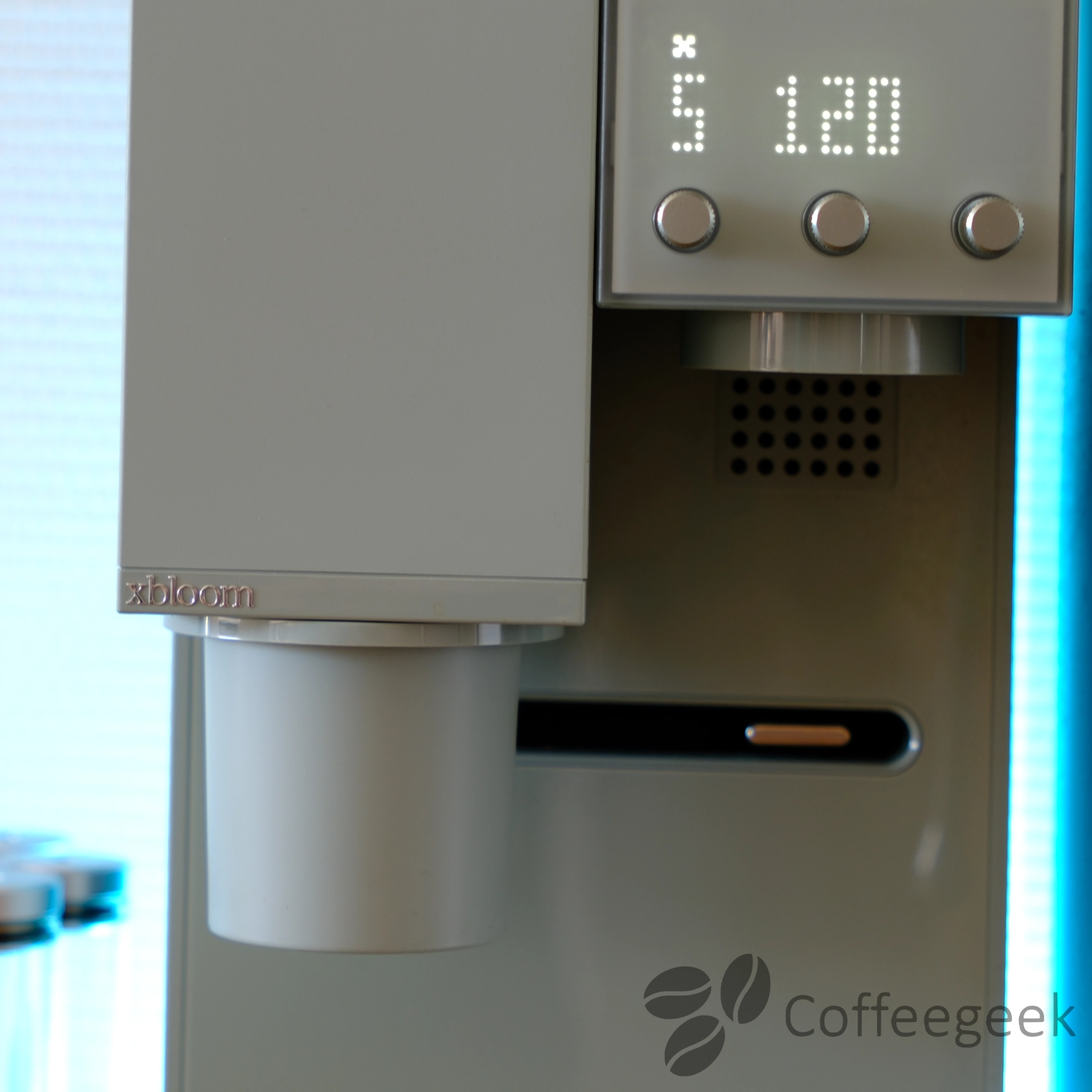
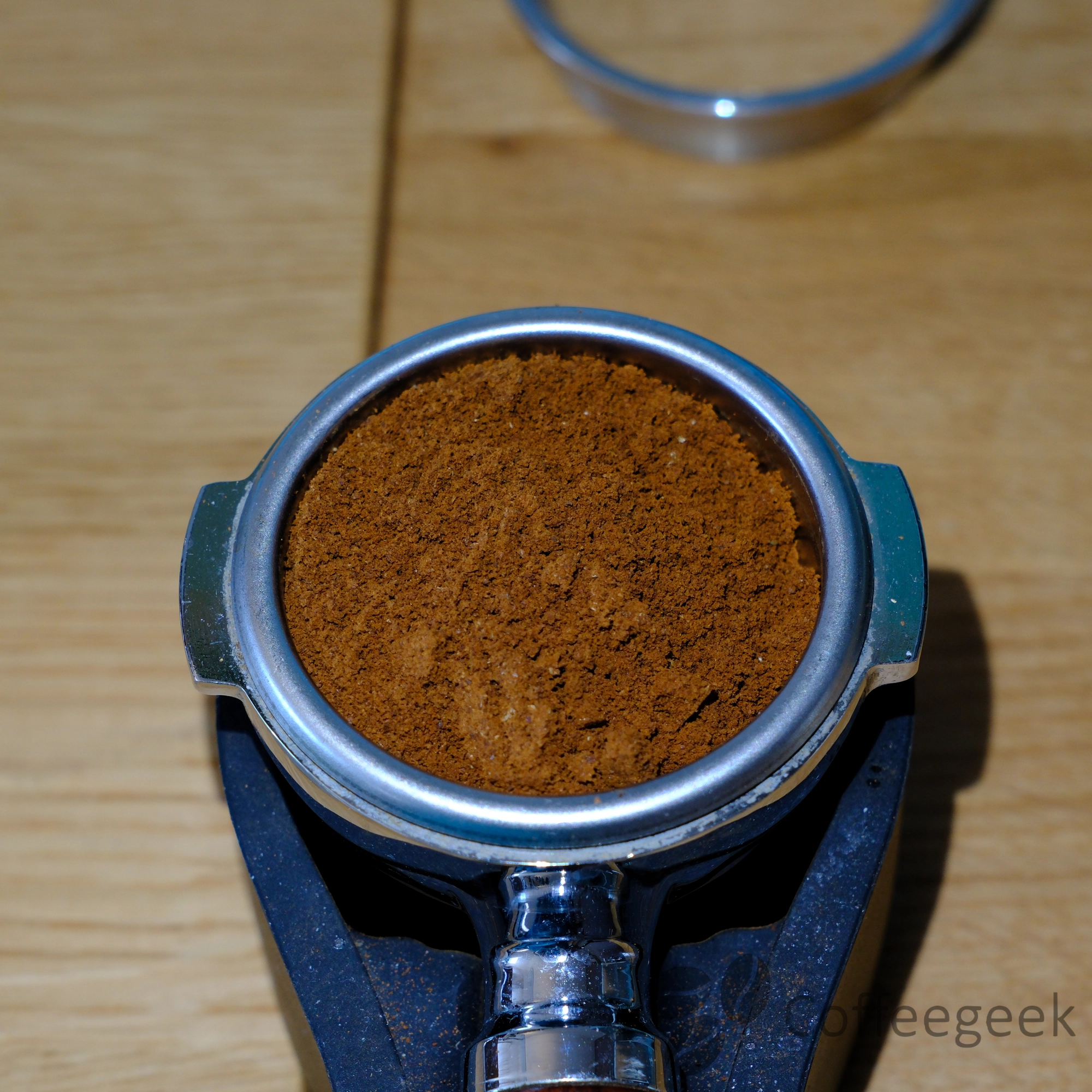
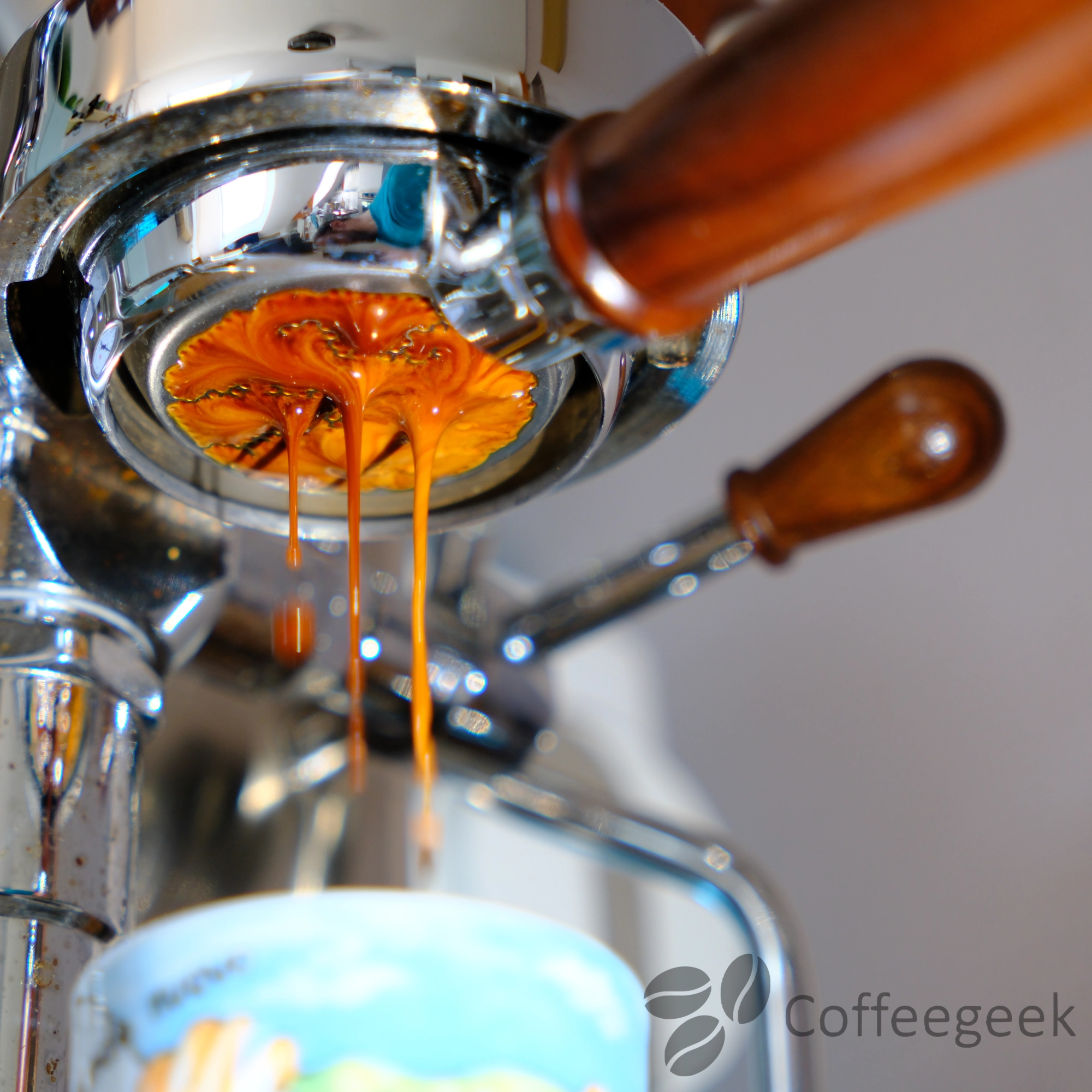
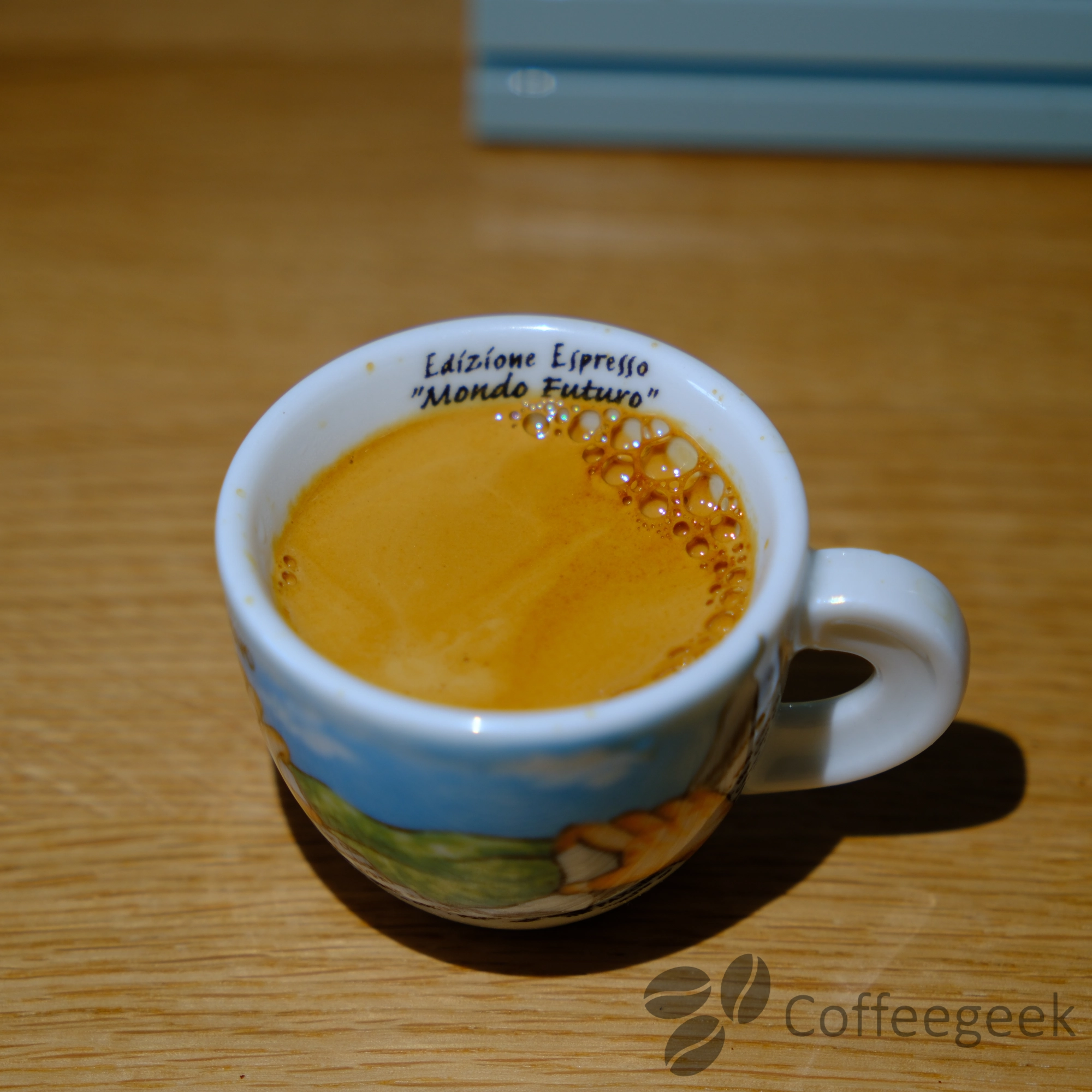
In terms of flavor, the result in the cup presents a slightly more acidic profile than what you would get with a dedicated espresso grinder. This makes sense: the xBloom Studio's conical burrs are optimized for pour-over, which favors clarity and tangy notes.
A well-thought-out detail: the magnetic dosing cup supplied with the machine fits perfectly with 58mm portafilters.
The xBloom Studio's grinder is not a dedicated espresso grinder, but it does a respectable job for those who want to prepare espresso. For daily espresso use, a dedicated grinder remains preferable. But it's a real plus.
And for pour-over? That's where it excels
While the grinder performs respectably for espresso, it's in pour-over that it reveals its full potential - and this makes sense, since it was designed precisely for that.
The 48mm stainless steel conical burrs offer remarkable particle consistency across the entire spectrum of coarse grinds (for pour-over).
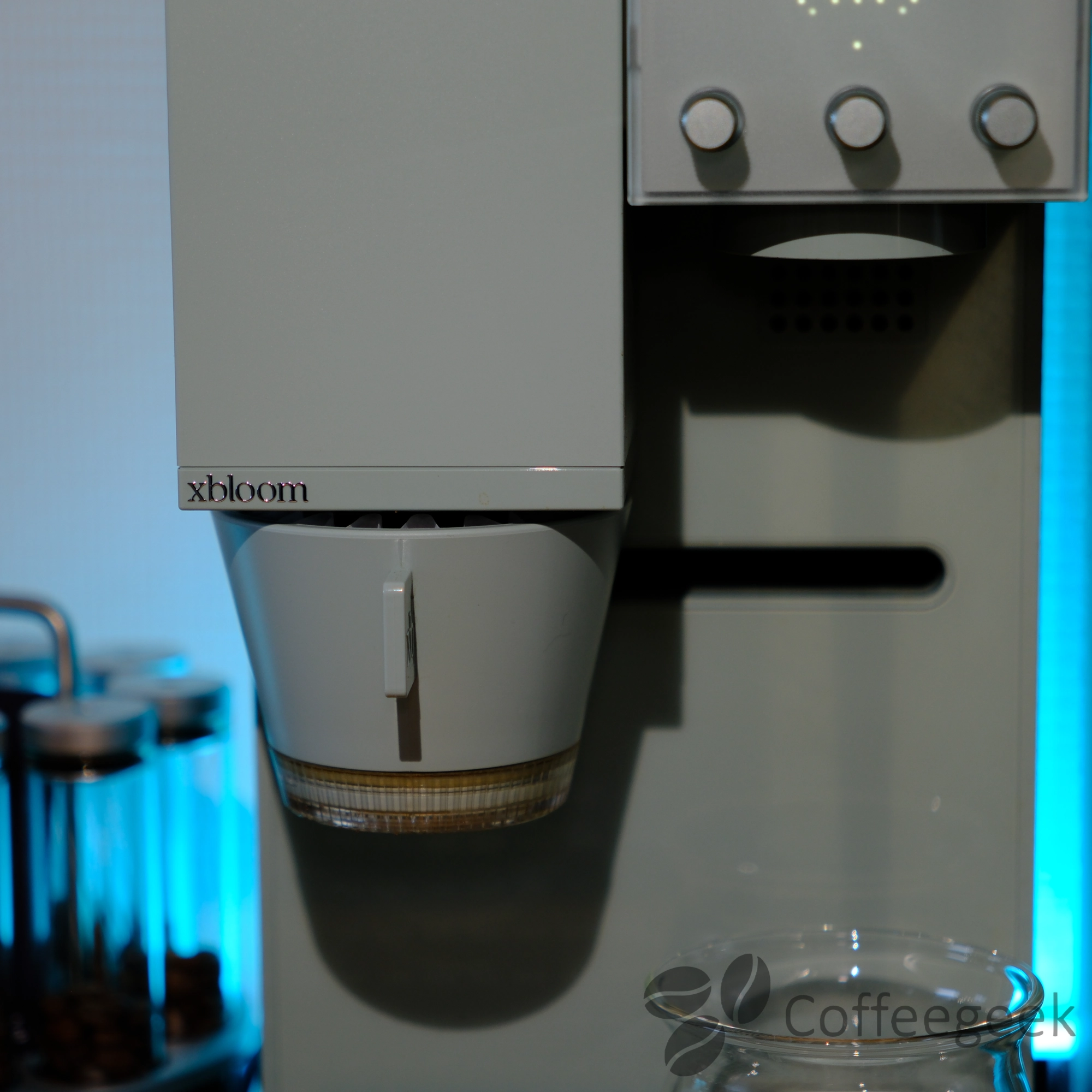
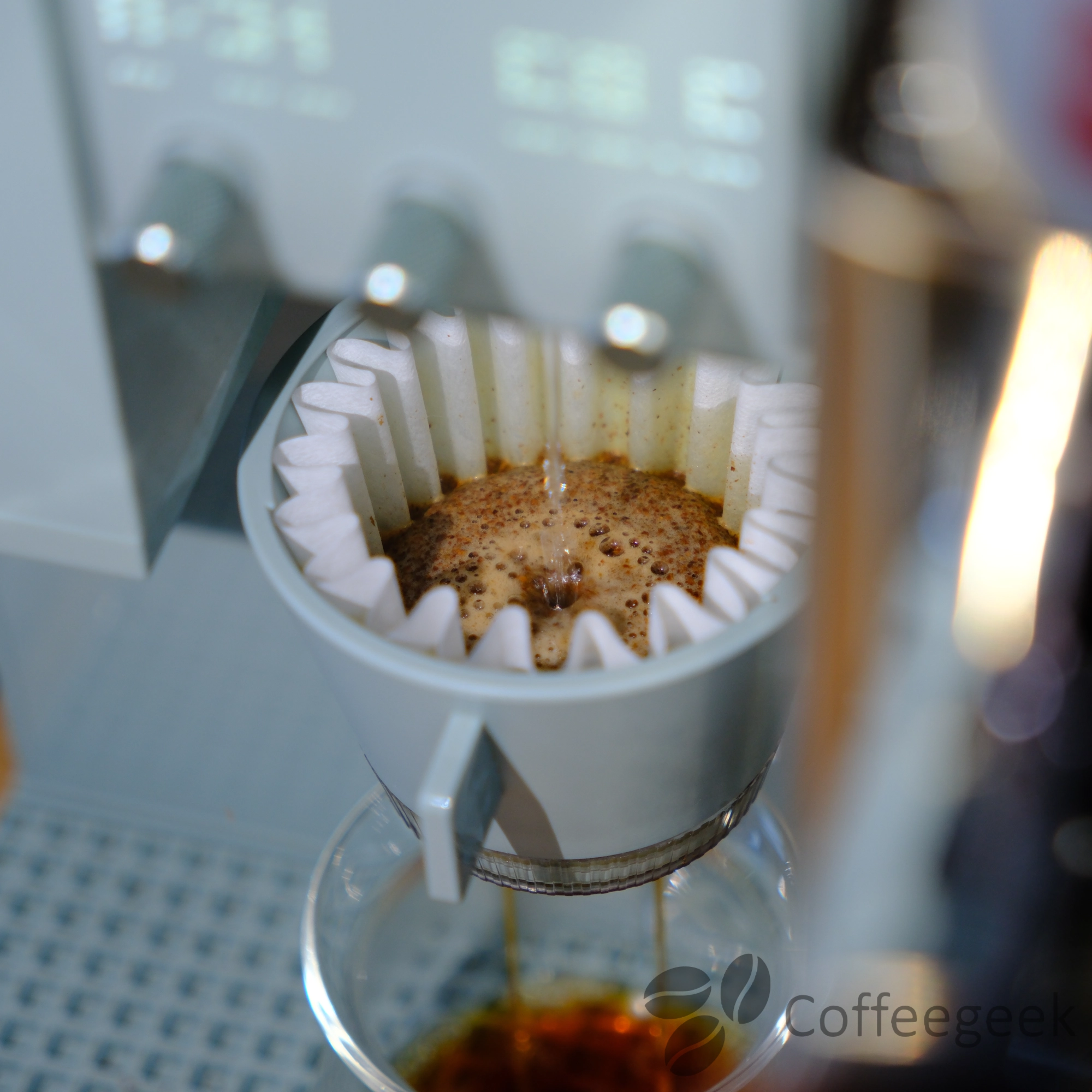
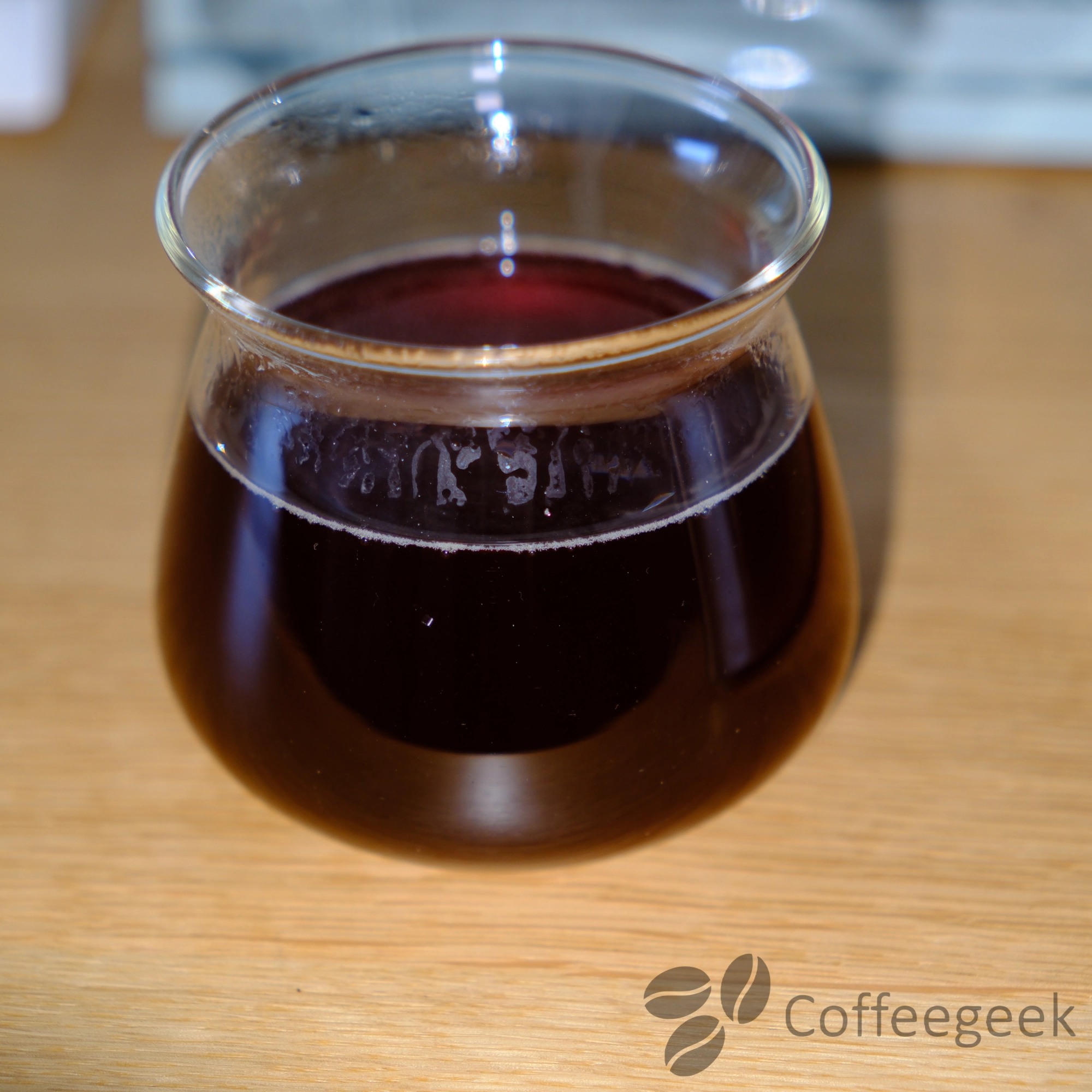
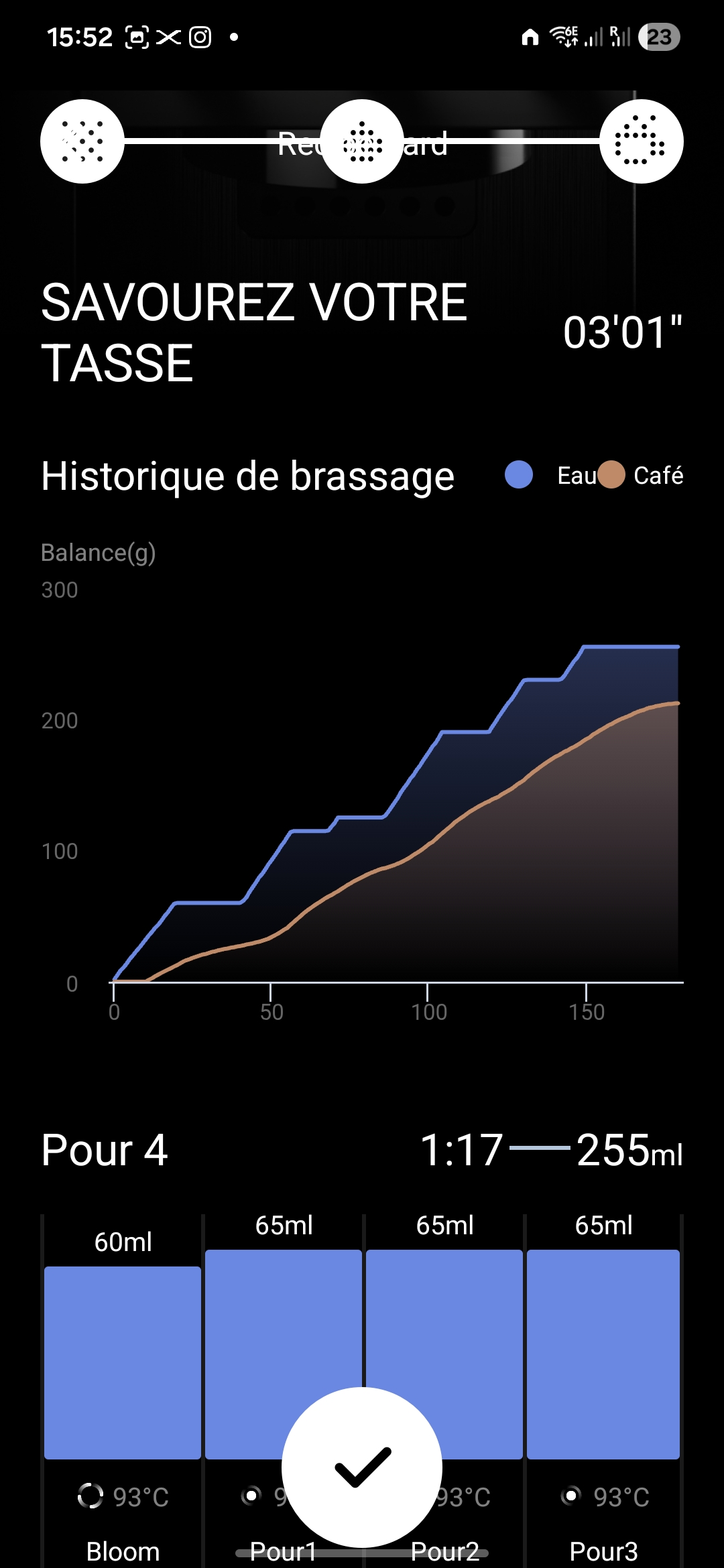
The result in the cup? An aromatic clarity worthy of the best grinders with well-defined notes and a homogeneous extraction.
Using your own grinder: a major advantage
It is possible to disable the integrated grinder to use ground coffee from another grinder. Ideal for comparing different grinders with an identical extraction protocol.
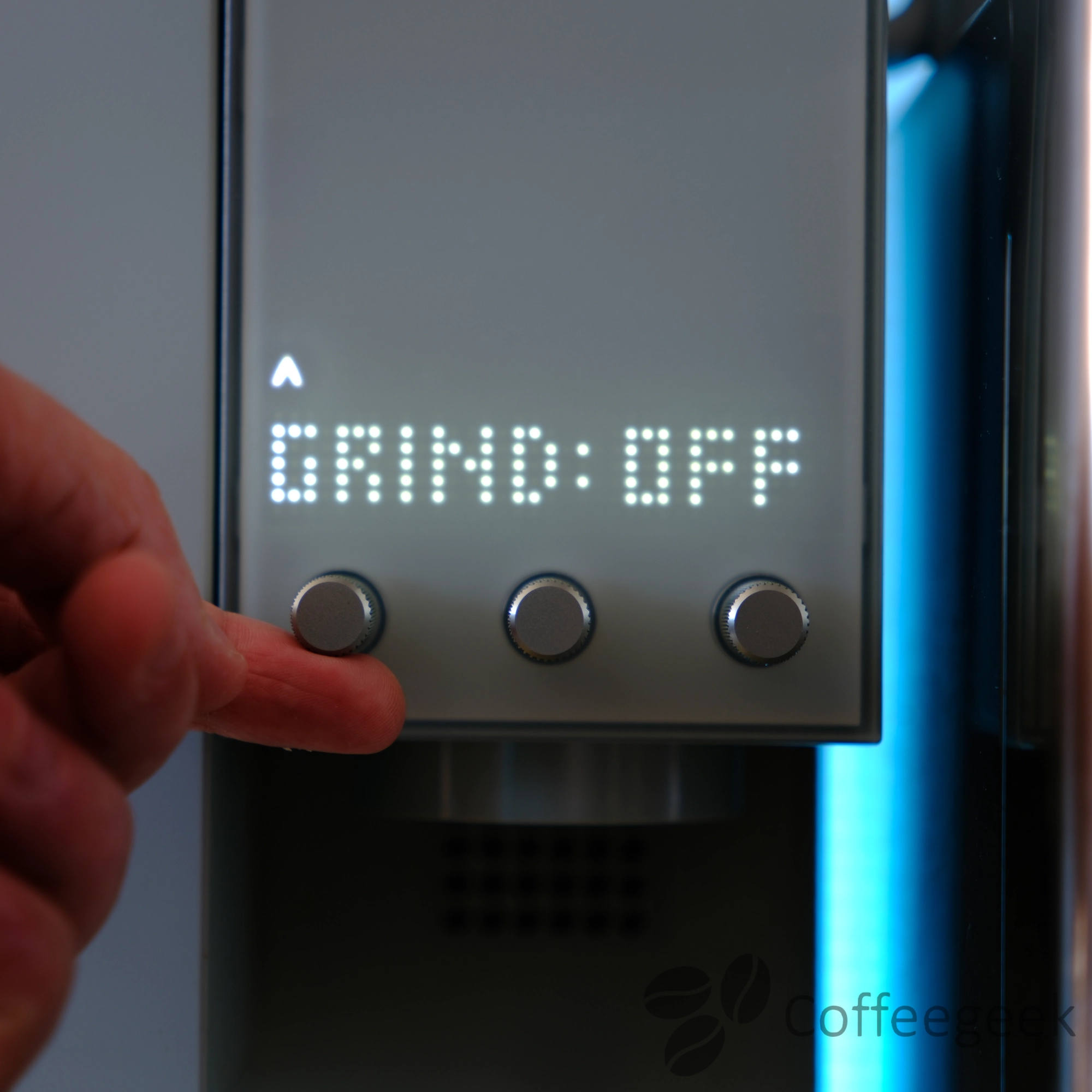
I now use the xBloom Studio as a reference for my grinder tests on this blog for the "pour over" section. Its perfectly reproducible extraction protocol allows isolating the differences between the tested grinders.
The cinematic infuser: three pouring patterns
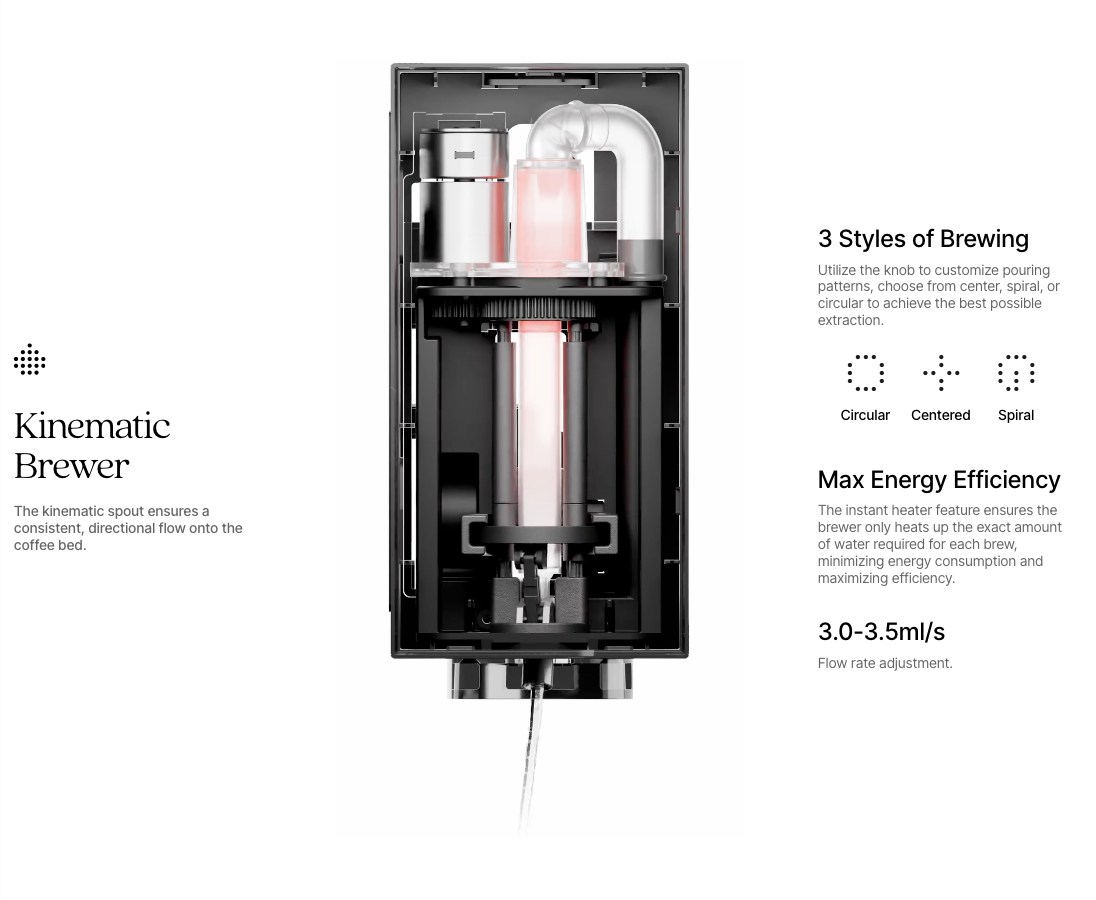
The cinematic infuser of the xBloom Studio reproduces the gestures of a barista with three pouring patterns:
- Circular
- Center
- Spiral
This technology guarantees a consistently reproducible gesture - same flow rate, same pattern - for consistent extraction from one cup to the next. The water flow rate is adjustable between 3 and 3.5 ml/s.
No more need to master gooseneck pouring: the cinematic infuser reproduces exactly the same gesture with each extraction.
The integrated scale: precision and practicality
The xBloom Studio integrates a precision scale (0.1g, 20ms response time) directly into its platform, with display on the screen and in the app. It offers simple weighing, water flow tracking, and automatic ratio calculation.
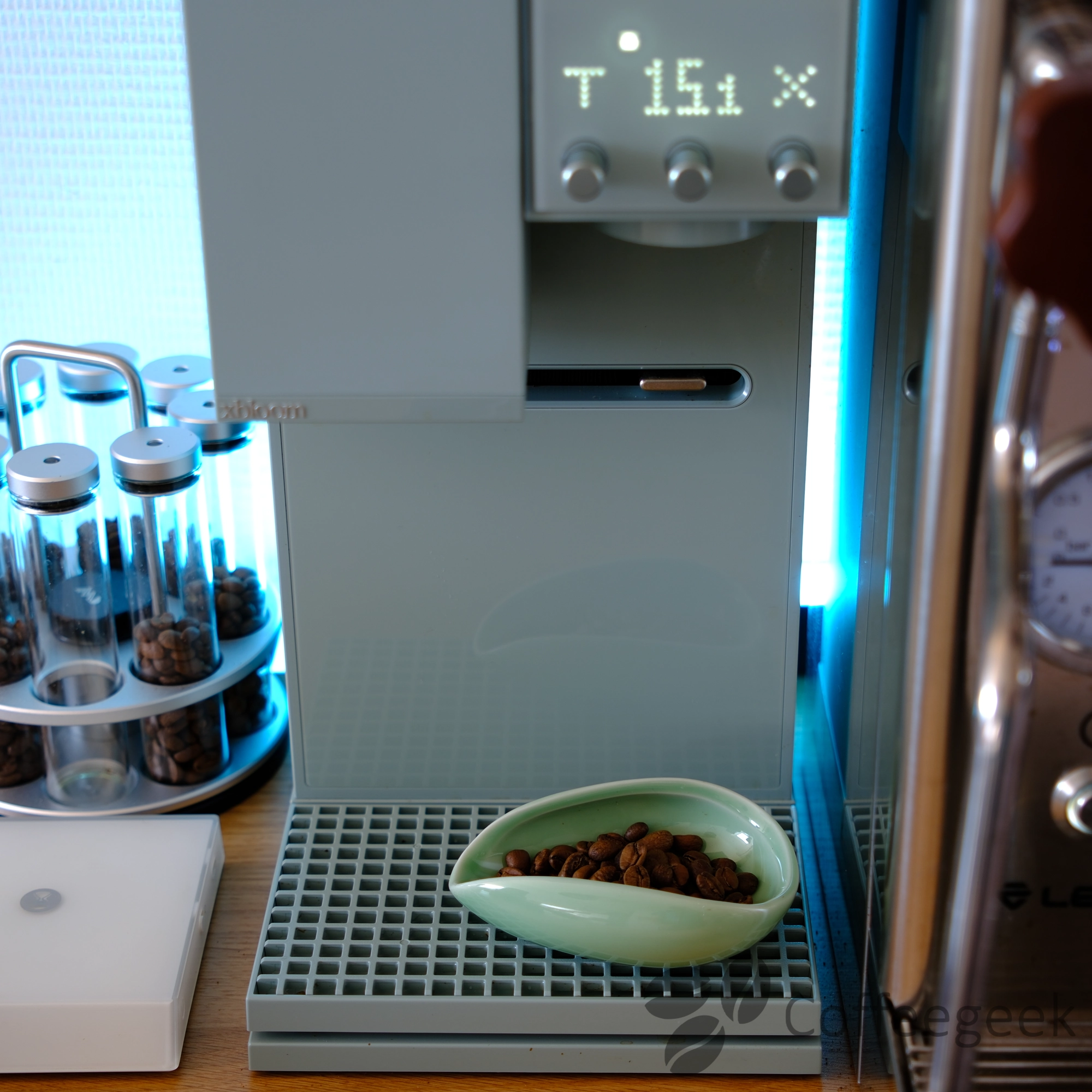
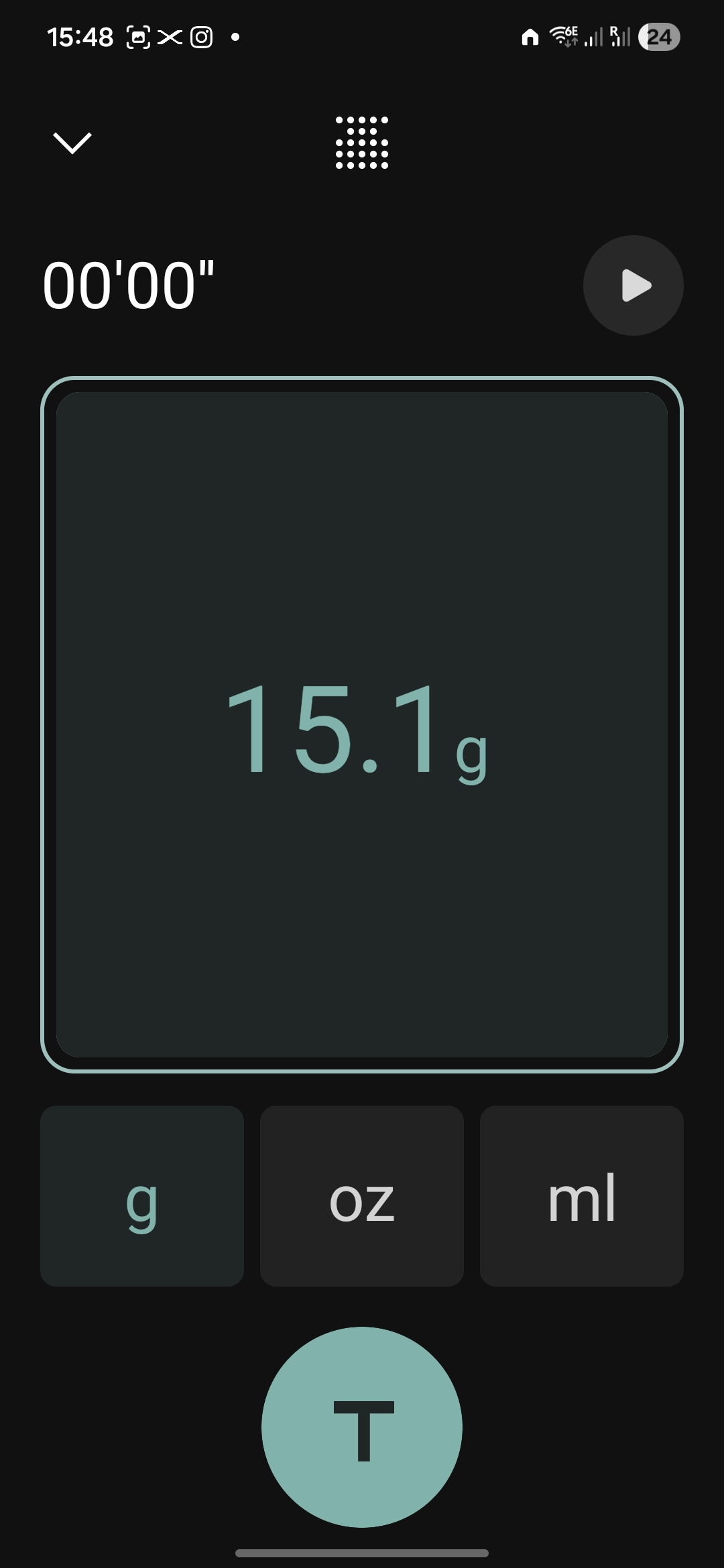
A few tenths of a gram are enough to change the coffee-to-water ratio and therefore the final taste. Weighing your coffee with an accurate scale ensures reproducible results.
The major advantage is total integration with the system: the machine automatically adjusts parameters based on the detected coffee weight, and you can track the extraction in real time without juggling between multiple devices.
The mobile app: powerful, but not perfect
The mobile app (available on iOS and Android) is feature-rich: creation and management of custom recipes, real-time extraction monitoring, and phone-free use once recipes are sent to the machine. I particularly appreciate the ability to share recipes with other users - I regularly share my own or draw inspiration from the community's.
The downside: the app has a few bugs, and some updates have introduced regressions (lost controls, slowdowns, sometimes dense interface). But xBloom is responsive: the manufacturer regularly pushes updates, and the introduction of Auto mode - recipes launched directly from the machine - is a concrete example of a feature born from user feedback.
xBloom has a very active official Discord server where the team interacts directly with users. This is where bug reports and suggestions lead to concrete improvements to the machine and the app.
Accessories
The xBloom Studio has a well-designed ecosystem of accessories. Here are the ones I use.
Omni Dripper 2
The Omni Dripper 2 is the dripper included with the machine, and it's the one I use for all my coffees. It features anti-static technology that reduces ground accumulation and a Hyperflow bottom for optimized flow. The filter is removable for easy cleaning. It is compatible with xBloom filters or standard 155 (Φ155mm) filters.
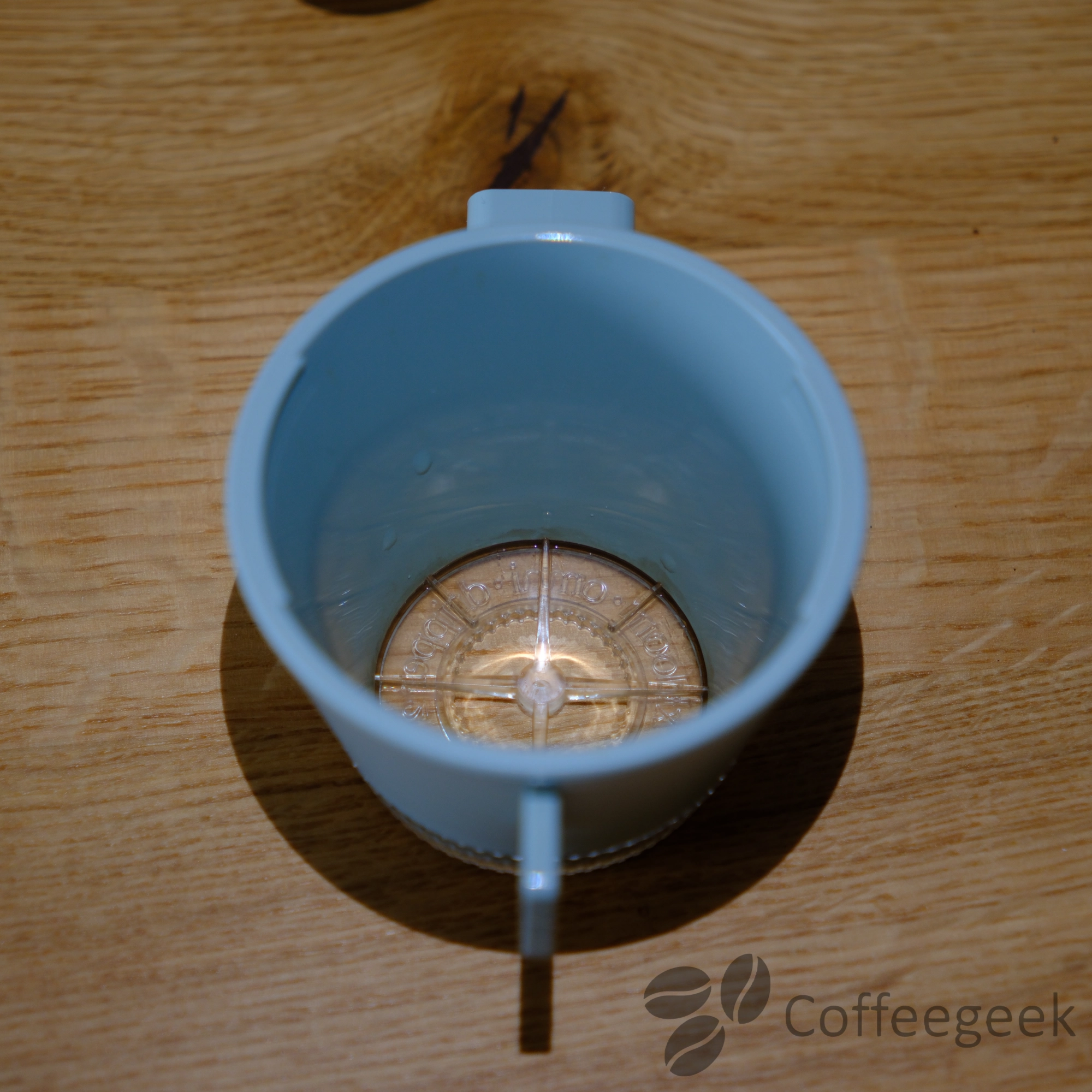
According to the manufacturer, the Omni Dripper 2 is not dishwasher safe.
Omni Tea Brewer
I also acquired the Omni Tea Brewer, an accessory dedicated to tea preparation. It is practical and I use it regularly. Only downside: with its 160 ml capacity, it takes 2 to 3 infusions to fill a standard cup. Also worth noting: I have occasionally experienced a minor bug where the water flowed directly into the cup without infusing properly.
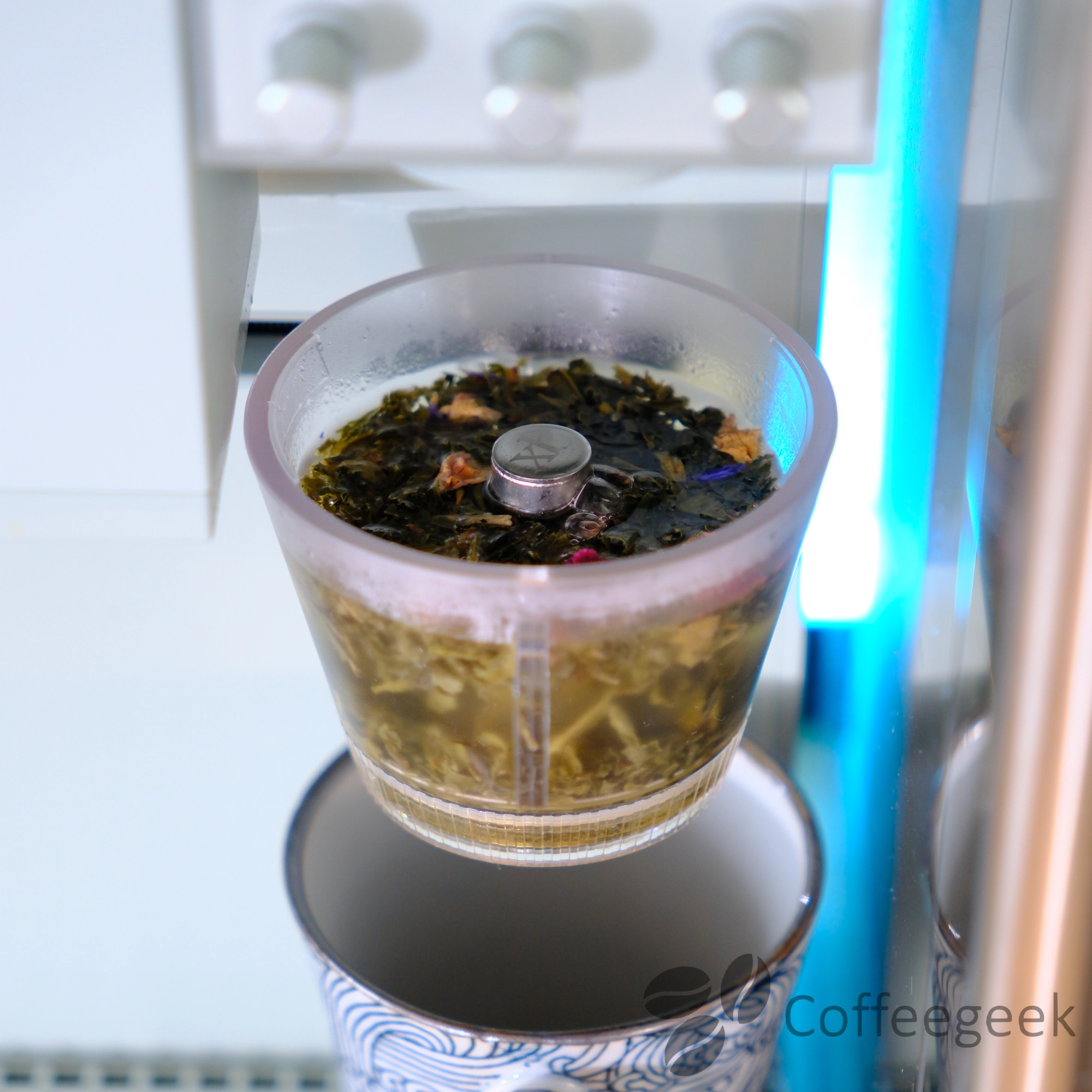
According to the manufacturer, the Omni Tea Brewer is not dishwasher safe.
Maintenance: simple and hassle-free
Maintaining the xBloom Studio is simple and it's a real relief compared to automatic espresso machines where coffee grounds can stagnate and mold in hard-to-reach circuits.
-
Here, there's no grounds bin that gets dirty: the coffee falls directly into your cup through the filter, then you throw away the filter. That's it. The machine stays clean and hygienic.
-
For the grinder, a quick brush (included) from time to time is enough to clear coffee residue from the chute. The anti-static technology limits buildup, but regular cleaning remains recommended. For a deep clean, you can use Puly Grind. If you notice imprecision in the grind, an automatic calibration puts everything back in order.
-
For descaling, xBloom recommends a cycle every 3 months or 300 cups (more frequently if you use hard water). The procedure can be started from the app or directly on the machine.
Compared to an automatic espresso machine, maintaining the xBloom Studio is child's play: no brew group to clean, no rotting grounds bin, no complex circuits. Just a filter to throw away and an occasional brush.
Cup quality: my verdict
After several weeks of daily use, I am very satisfied with the quality of the coffees produced by the xBloom Studio. Here is my detailed verdict for each type of use.
Automatic pour-over
The coffees present exceptional aromatic clarity with well-defined notes. The extraction is homogeneous and balanced, highlighting the characteristics of each origin. The consistency from one cup to another is impressive, even for someone used to manual methods.
Filter coffee with your own beans
The ability to use your own beans (and not just the xPods) is a major advantage. In Copilot or Freesolo mode, I was able to brew my usual specialty coffees with excellent results.
Conclusion
The xBloom Studio stands out as a revolution in the world of automatic coffee machines. It manages to combine the ease of use of an automatic machine with the extraction quality of a manual pour-over made by an experienced barista.
Its three operating modes make it accessible to both beginners and enthusiasts. The 48mm burr grinder with its 80 settings offers great versatility.
Ultimately, the xBloom Studio offers excellent value for money for those seeking a complete and automated pour-over setup. Not to mention the space saved on the countertop and the ease of use.
The xBloom Studio stands out as a revolution in the world of automatic coffee machines. It manages to combine the ease of use of an automatic machine with the extraction quality of a manual pour-over made by an experienced barista.
Admittedly, the price around €700 may seem high - but when you add up the equipment it replaces (grinder ~€350-500, scale ~€50-150, Fellow kettle ~€150, dripper ~€50), the math is quickly done.
- Exceptional extraction quality in pour-over
- Three operating modes (Autopilot, Copilot, Freesolo)
- 48mm burr grinder with 80 settings - retention < 0.3g
- Integrated precision scale (0.1g)
- Kinematic brewer - 3 reproducible pour patterns
- Intuitive mobile app
- Ability to use your own beans
- Compact and refined design
- Plumbing connection option
- Dependence on the app for some advanced settings
Before buying, I recommend checking the official xBloom website: xBloom regularly offers promotions that can represent a significant saving on the purchase price.
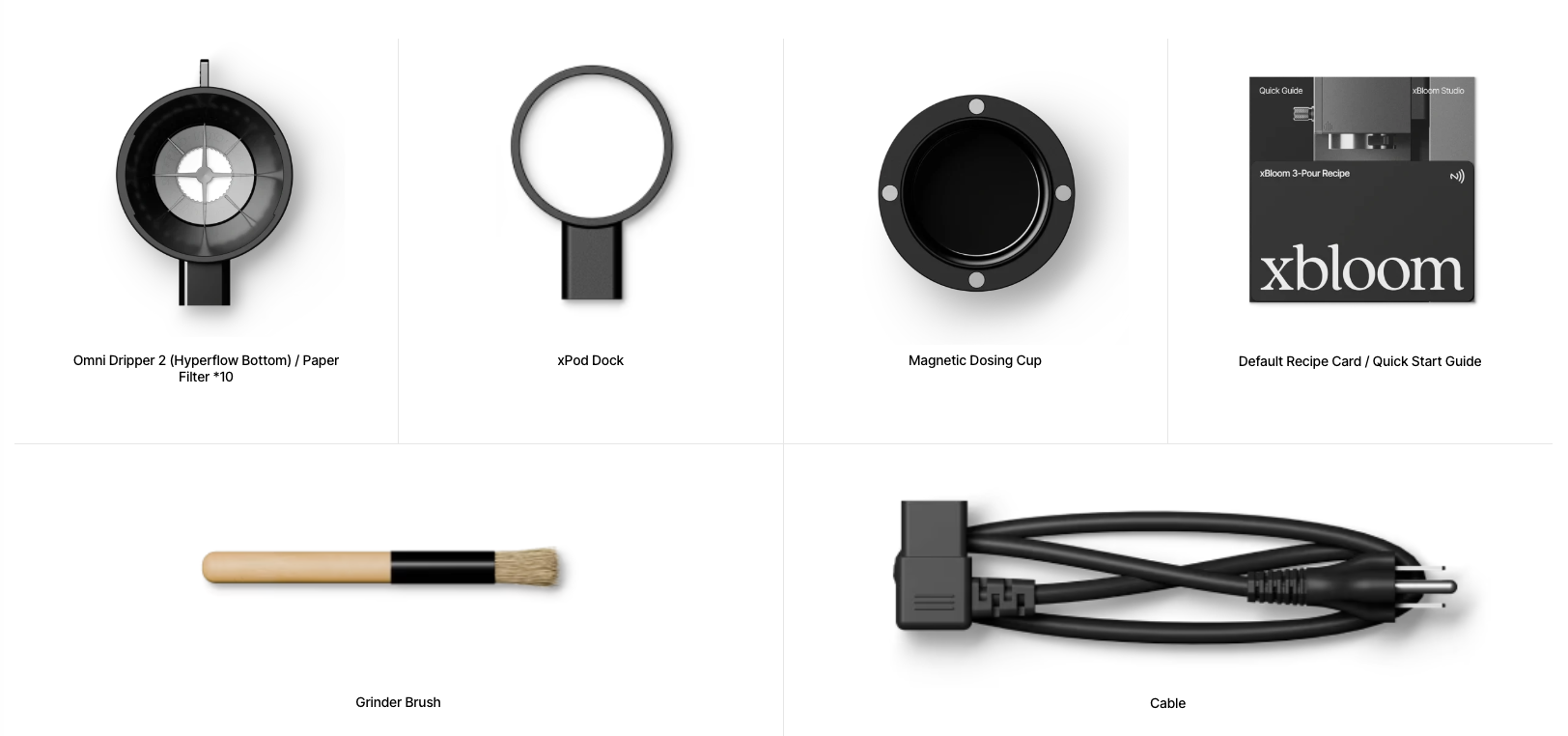
Box contents
The xBloom Studio comes with:
- xBloom Studio machine
- Omni Dripper 2
- xPod dock (pod holder)
- Magnetic dosing cup
- Recipe card
- Paper filters
- Cleaning brush
- Power cable
Technical specifications
| Feature | Detail |
|---|---|
| Grinder | 48mm conical burrs, 80 settings |
| Scale | 0.1g precision |
| Water tank | 946 ml (plumbing connection option) |
| Connectivity | Bluetooth 5.0 |
| Pour patterns | 3 (circular, centered, spiral) |
| Available colors | Midnight Black, Moonlight White, Sage Green, Twilight |